Enjoying this issue?
Get tomorrow's AI & engineering digest in your inbox — hand-picked, summarized, and always spam-free.
TLDR
DeepSeek's open-source coding agent harness is built entirely from plugins, making it the most customizable option available — every UI element, tool call, and agent loop component can be toggled, replaced, or created from scratch. The trade-off is that it's currently unrefined and requires more upfront investment than out-of-the-box tools like Claude Code or Codex, but its self-extensible design (including a creator mode that builds plugins for you) points toward where coding agents are heading.
Key points
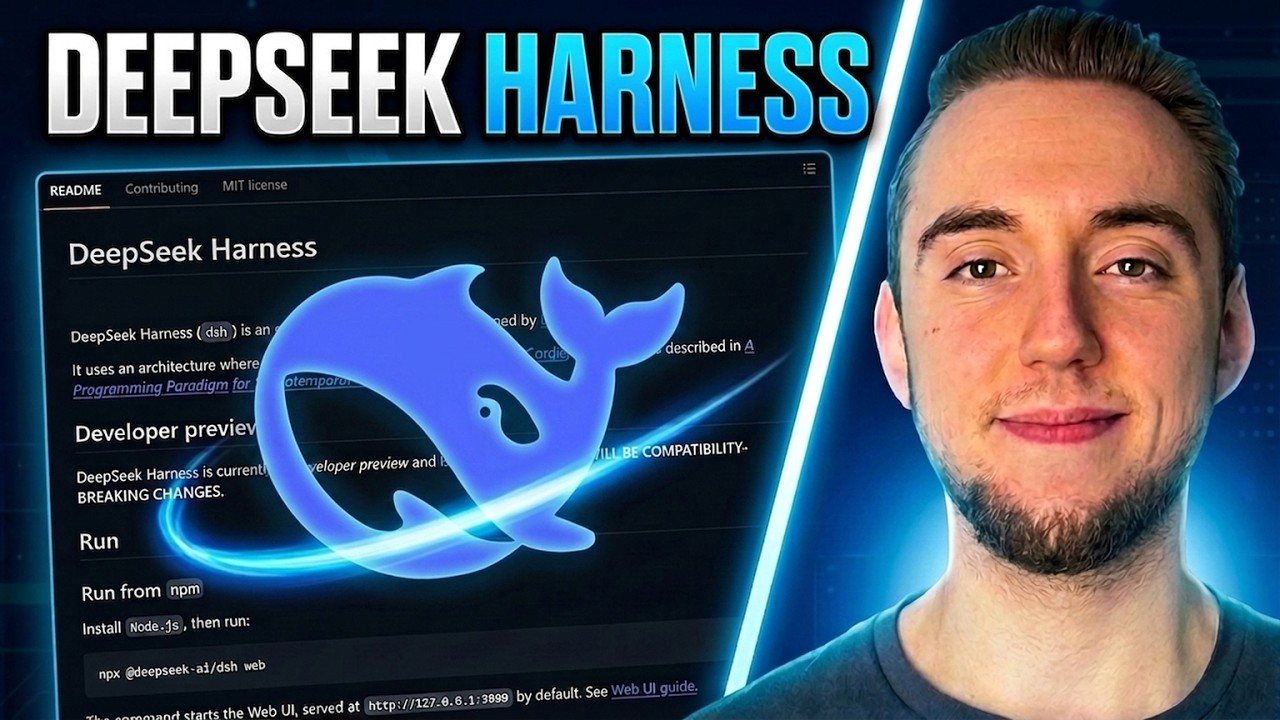
DeepSeek has open-sourced a coding agent harness that has already accumulated 165,000 GitHub stars in its first week.
The harness is built entirely from plugins — every UI element, tool call, and agent loop component is a plugin that can be toggled on/off, replaced, or customized.
Users are not locked into a specific model; they can configure any LLM provider, including DeepSeek V3.1, OpenRouter, or others.
The harness includes a 'creator mode' that guides users through building new plugins by asking clarifying questions and automatically installing the result.
It supports sub-agent delegation, allowing the harness to call other coding agents like Claude Code and Codex as sub-agents within a larger workflow.
A 'trajectory view' provides granular observability into every agent loop action, showing the source plugin for each step — a feature not seen in other coding agents.
The harness is currently unrefined, with glitches in tool calls and built-in plugins, but the presenter argues its self-extensible design is the future of AI coding.
The presenter predicts that within a year or two, highly customizable, self-extensible harnesses like this will become the optimal approach for coding agents.
Tools mentioned
Techniques
- plugin-based architecture
- self-extensible agent
- sub-agent delegation
- creator mode for plugin generation
Stop scrolling. Start reading smarter.
Receive the day's most important AI & engineering updates in one concise email. No spam.
Transcript (captions)
It feels like it's been a long time since we've gotten a new coding agent harness, but there's a new kid on the block. Deep Seek has built and open-sourced their own harness, and it
already has 165,000 stars in just a week. Now, it is a bit rough around the edges. We'll talk about that as well, but what I appreciate about it is it's the complete opposite
of other coding agents like Claude Code and Codex. Because with those coding agents, you're locked into a specific set of models, and you have no access to the inner workings of the agent to
customize anything at all. And if there's one thing I know for sure, it's that the future of AI coding goes through harnesses that are as easy as possible for us to build on top of and
customize. And what Deep Seek has created here is the ultimate version of that. The most similar thing to this is Pi. It's a coding agent I've covered a lot on my channel before. Still a
fantastic tool. Their original motto was, "There are many coding agents out there, but this one is mine." Right? The idea being, let's create something very minimalistic and make it easy for people
to build on top of with the idea of extensions. It's a self-extensible coding agent. And so, with Deep Seek's harness, they have a very similar philosophy, but they've taken it even
further. Literally, everything that makes up this interface for the harness and the underlying harness itself is made up of plugins. That's the idea that drives everything is plugins. It's the
composable units under the hood that stitch together, create the entire system that we have here. And so, we can toggle these on and off. We can go to their plugin marketplace to install
third-party tools to build on top. We can very easily create our own plugins as well. But, each individual component here, we can toggle on and off. Right? That's the whole idea with their harness
that makes it so easy to build on top of. And I call that the future of AI coding because the thing is, like, as coding agents get more capable and it's easier for us to, you know, build our
own solutions, we don't want to just rely on something that works out of the box like Codex and Claude. I mean, sometimes that's nice just to have all the power right there, but something
like this where we can take a foundation and then build on top as we customize to our process, that's going to get you the furthest in the end. And so, in this video, I want to go through DeepSeek
Harness with you very quickly, show you how to get started with it, why it's so powerful, definitely cover some trade-offs as well because it is quite unrefined. Now, here's the thing. I'm
not telling you to just jump from Claude or Codex or Pi right into DeepSeek's Harness, but this is worth our attention because mark my words, this kind of Harness is going to be optimal for you a
very soon. Just hear me out on this for a bit. I think it's going to click for you very quickly. We're already at the point where self-evolving software is quite realistic in many ways. And so, if
we have coding agents building software very autonomously right now, in turn, it also makes sense that it's realistic for us to have a coding agent evolve itself as well. That's the whole idea of a
self-extensible coding agent. That's what made Pi so incredibly popular earlier this year. But, in order to make it as viable as possible for a coding agent to work on itself, it needs some
kind of underlying framework. So, it has guidance and a standard for how it adds new components of functionality and how it disables things as well just as it's testing things out and changing its own
process and agent loop to be optimized to your workflow and your codebases. And that's exactly what DeepSeek is building here. Their plug-in system is as granular as it possibly can be for
having these different components of functionality that guide the new tools we build on top of the agent, but even the inner workings of the Harness itself. That's what I love most about
this. And the cool part is you don't have to build these plugins yourself. They literally have a mode built into this called creator mode that guides you through creating plugins for any
functionality you want to describe. So, the Harness is already set up as a part of what they offer in the open source to build upon itself for you. Cool. So, with that, I want to show you how to get
the harness up and running, and we'll go through some of the features together as well. And then, as we do that, I want to talk about is it really worth going this minimalistic, or should we go a step up
to pie, or just something totally out of the box like Cloud Code or Codex? Definitely some pros and cons there. But anyway, to get the harness up and running, you just have to either install
from NPM or run from source. So, of course, I'll link to this GitHub repo in the description, so you can go to this read me here. The even easier way to get this up and running, and this is what I
did, is I just took the URL, gave it to my Cloud Code, and I said, "Go and install this and get the web UI up and running." So, what we're looking at right here, this is just running locally
on my computer. It's not some remote website, so I'm working with all my coding agents locally. And for getting the models set up, going to the models tab right here, you can add in either
your Deep Seek or Open Router API key, so you have access to the default model for the platform, which is Deep Seek V 3.1. And of course, you can add any provider that you want. And so, if you
want to use different models and providers, it's you're totally open to do so. You're not locked into any specific model like you are with other coding agents. That's the one of the big
benefits that I was talking about earlier. So, once you have your LLM configured, you just start a new session, and then working with the harness is very similar to other coding
agents. The underlying composable system is very unique, but the way you interact with it is quite similar. I mean, this just looks like a good old Cloud.ai or ChatGPT. There are a couple of different
modes, though. So, we have standard mode, this is really just bringing you into a normal coding agent session with the permissions you can set up and configure, or just go in Yolo mode. We
have the creator mode to build your own plugins so the harness can improve itself. We even have orchestrator mode, so we can call other coding agents like Cloud Code and Codex as sub agents.
We'll cover all of this in a little bit. The sponsor of today's video is Qwak, Tether's free and open source local AI platform. It gives you your entire local AI ecosystem in a single NPM install.
Let me show you the kinds of things you can build with it. So, what I have here is a desktop app I built with Qwak for querying a banking database with plain English. Definitely the kind of thing
you want running 100% locally. So, I have Qwen34B as my LLM, SQLite database for rag, all of that running on my machine. So, I can say, you know, top five clients in Frankfurt with the
biggest debt. Sending in the question, Qwen3 is going to generate the query, and I can even approve it before it runs, and then get the final answer. So, just a quick example of the kind of app
you can build with your entire system running locally. So, there's nothing leaving my machine. In fact, I'm in airplane mode right now, and everything still works here. And Qwak isn't just
another way to run local models like Ollama or LM Studio. It's the entire ecosystem. A dozen AI capabilities behind that single NPM install. Like text generation, rag, fine-tuning, image
gen, video gen, speech. They have it all. And you can bring in any open models like Deepseek or Qwen, any GGUF file. They have their own models as well, and Laura fine-tuning that you can
run on your phone. So, all this is for anyone building a desktop or mobile app with AI in it. And for a bank or law firm where data legally can't leave the building, this is the only way to ship
at all. It's Apache 2.0, and there are no API keys in any of this. All of the models are just stored on my drive. So, also nothing here can get rate limited or re-priced from under me. I'll have a
link in the description, and if you think it's as cool as I do, please go ahead and give them a star on GitHub. So, I've done a ton of testing with the harness already. So, let me just show
you some things from my existing conversations. So, first thing here, every single action that you see, like context injection, tool calls, asking us questions, these capabilities are each
individual plugins that we built on top of the harness. Everything you see on my screen here, and in your harness UI, is a plugin. Even this button, even attaching files, these are individual
plugins we can customize and even disable if we want for whatever reason. And so going to the settings, the plugin list is everything that is built right into the open source project, and then
the plugin marketplace is all the third-party plugins and any that we have built ourselves. And with every conversation in the harness, we also have this trajectory view, which I
absolutely love. I've never seen this in a coding agent before. It looks like the kind of thing you'd have in an AI observability platform, like LangFuse or LangSmith. So every single part of the
agent loop, which you can customize the agent loop in this as well. You're able to see the action and specifically where it came from. So I can click on the context injection right here, one out of
three. I can go to the source and see where it came from, right? Like this specific action in the agent loop is because of the DSH system prompt plugin. This is one of the that comes right with
the open source project. Or we can go to the tool here and see the source for that. I delegated to Claude code here, which I'll talk about that in a second. But I love the auditability that this
gives us, and it also just shows us, like we have access inner agent workings that you really don't have with other coding agents. I mean, even Pi doesn't give you this level of granularity. Now
let's go back to the conversation here, because I want to show you the sub agent delegation now. So just by saying I want to use the Claude code sub agent, I can delegate certain work to Claude code. I
can do the same thing for Codex as well. This is great because, yeah, Deep Seek is a good model, and this harness can do a lot by itself, but sometimes you do want to lean on the power that comes out
of the box with these other coding agents. And so I just say I want to use a sub agent for this, so it does the delegation with a tool call, reasons about what comes back, and then just
continues the conversation here. And I can do the exact same thing with Codex as well, right? Just have Codex write this Python function for me. I know these are a bunch of silly examples as
I'm testing out the harness here, but you get the idea of how you can build a different coding agents within larger workflows that you kick off from this harness. And both the use of Codex and
Claude code as sub agents, you can probably guess at this point is simply a plugin that we have within the harness here. So, I go to plugin list, I search for Codex, and there we go, subagent
Codex. Or I go to Claude, subagent Claude code. Everything is a plugin. And here's another one, DeepSeek by itself can't process images. So, if we want to work with a PNG or something like a JPEG
in a conversation, we need a tool call to reach out to another model that can process that and then give us back some kind of description. And like you guessed, if I go to settings this time
to plugin marketplace cuz it's third party, we have a plugin for that, ModLens. It is the vision bridge for text-only models. And here's another example, I'll go to this conversation
right here. I can fetch GitHub stars very easily from any GitHub repository. We got a tool call for that, repo stats. So, if I go to the settings and I go back to our installed plugins, we have
repo stats right here. And I know this path is really, really tiny on my screen right now, but this is a local path because repo stats is actually a plugin I built myself. So, I went to new
session, I went to the creator mode right here, and I simply said, "Build me a plugin so I can easily fetch the number of stars in any open-source GitHub repo." I'm not going to go
through the full process here, but it asks me clarifying questions, builds the plugin with me, and then it automatically installs it so I have it in the list right here, just like you
can see for repo stats. So straightforward. Now, I know this is kind of an overly simplistic example of uh building a plugin. I mean, this isn't like super useful, but I'm sure your
imagination can run wild at this point for the ways that you can extend this harness. But I know that you're like me, where you're probably using coding agents like Claude code or Codex, and
they work well most of the time. But I feel like it's like a solid, you know, once per day where you have that super frustrating conversation where the LLM is way too verbose, or there's little
glitches in the way it's using subagents or workflows, or it just like goes down this weird tangent, and that's when you're like, "Damn it, I wish I could just fix you." Right? You can't just fix
Claude code or Codex. You can try to make things work well with rules, but it's never really perfect. But with the Deep Seek's harness, we can actually do that, right? You can modify or create
plugins to even change the inner agent loop of the harness itself. That's what makes it so you can really optimize the harness over time for your specific workflows. It's definitely a larger
investment in time to really get it there, but it's going to pay dividends down the road because you get to the point where your coding agent along with you or your development team, whatever,
is just working as a well-oiled machine. Now, I still think it's a fair question to ask, is this really worth it, right? Starting this minimalistic and then anything we need we have to build on as
plugins or components. Now, I think the answer is yes, especially because building these components is becoming easier and easier. We have a harness that can understand itself, so it truly
is self-extensible. But at least for now, I can understand if you just want something out of the box like Claude or something built out a bit more and a bit more refined like Pi. But we are going
to get to the point where it doesn't really make sense to not have something that's as customized as possible. This is going to be optimal in the next year or two. I don't know if it's going to be
Deep Seek's harness specifically, but it's going to be something like it. That's why it's worth us understanding right now how this kind of system works, what it really means for an agent to be
self-extensible in the first place. And of course, I want to repeat as well that Deep Seek's harness is definitely unrefined. I mean, just going through some of the conversations here, you'll
see a lot of little glitches with their tool calls and different plugins, even the ones that are built right into the open source. So, it's certainly not perfect at this point, but it's worth
checking out already. I mean, there's a reason it's gotten to 165,000 stars on GitHub already. This is the future of AI coding. And so, that's everything I have to show you here. If you appreciated
this video, you're looking forward to more things on self-extensible agents and using AI to code in general, I would appreciate a like and a subscribe. And with that, I will see you in the next
video.