Enjoying this issue?
Get tomorrow's AI & engineering digest in your inbox — hand-picked, summarized, and always spam-free.
TLDR
GPT6 Astra, running inside Higsfield, can take a one-paragraph brief and produce a coherent product campaign: a pack shot, two posters, and three video takes. The notable part is its self-review loop: it critiques its own generations, rewrites prompts to fix specific flaws like camera drift and a deforming can, and even repairs poster typography without a fresh generation. It is a practical demonstration of an agent handling generation and art direction, though the human still makes the final call.
Key points
GPT6 Astra generated a full product campaign for a fictional cold brew brand called Kestrel.
Astra selected Nano Banana Pro for images and seed dance 2.5 for video.
Astra revised video prompts after analyzing flaws like camera drift and deforming geometry.
Astra fixed an unwanted word in a poster headline without generating a new image.
Astra could not verify exact per-generation costs, only total balance changes.
Tools mentioned
Techniques
- Iterative generation, review, and prompt rewriting loop
- Agent-autonomous model selection for image and video generation
- Typographic error correction via agent analysis without regeneration
- Using a single product reference pack shot across campaign assets
Stop scrolling. Start reading smarter.
Receive the day's most important AI & engineering updates in one concise email. No spam.
Transcript (captions)
This coffee brand doesn't exist. I gave GPT6 Astra a brief inside Higsfield and it built the product image, two posters and three versions of this ad. The interesting part is what happened
between those versions. I'm going to show you my workflow from the connection and the first instruction to the files I can actually download. Watch how the same product carries through the
campaign and how Astra changes its direction when a shot needs work. Higsfield is sponsoring this video. The product campaign you're about to see is from my recorded run. We'll also look at
some examples so you can see what else this workflow can do. Let's get the tools connected. First, Higsfield gives the agent access to image and video generation. There are two places I'm
showing it here. The Higsfield connection inside ChatGpt and Higsfield Supercomputer on the website. The full product campaign runs in supercomputer with Astra selected. For chat GBT, I
open the Higsfield MCP page and use the ChatGpt tab. That takes me to the official plug-in page where I install Higsfield and connect my account. Once the installation finishes, I can bring
Higsfield into a conversation. Here is my separate connection test. I ask for a 2-minute explainer about airline points. With Higsfield in the conversation, that request starts an image generation. The
card shows the model and the requested format so I can see what it is creating. Then I get style choices for the explainer. This recording shows that first generation stage the complete
product campaign is the website run coming next. Now for the campaign on the Higsfield website I open supercomput and choose GPT6 Astra from the model menu. This selection matters. It tells us
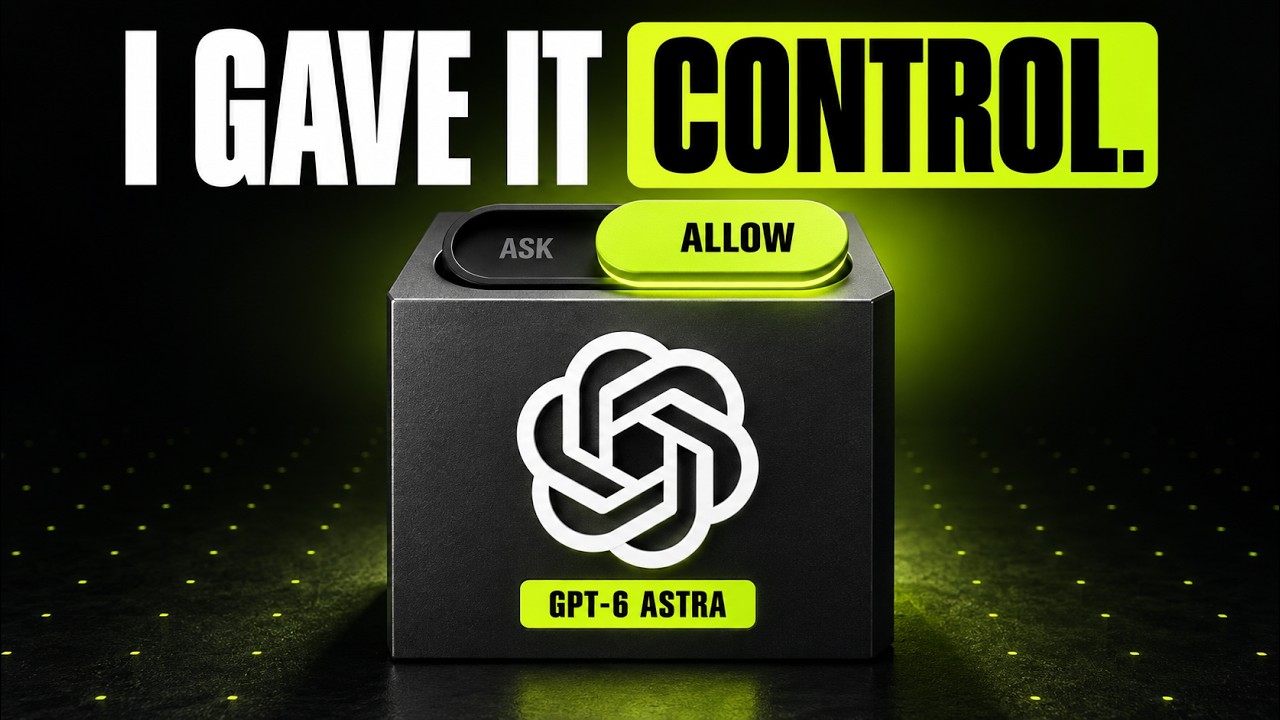
which agent is making the creative decisions in the run we're about to watch. There's also a choice about how much freedom it gets. Ask mode request confirmation before generation. During
my run, I switch to allow mode so it can continue through the steps. Those generations use credits. So, choose the level of control that suits your project. My brief starts with a
fictional product, Kestrel, a matte black can of cold brew with no existing logos. I ask it to make one clean pack shot first and use that product image throughout the rest of the campaign.
Then I define the deliverables, a 10-second hero video, and two poster stills. I ask for a plan covering the subject, camera movement, and lighting. I also let Astra choose the generation
models, provided it explains its choices. That gives it a clear job to carry out. The most useful instruction comes next. After the first video, look at it, identify what's weak, rewrite the
prompt, and make another version. Repeat that once more. I'm asking for a review process before anything is generated. So, revision is already part of the assignment. I send it. Astro checks the
credit balance and starts writing its plan. The subject is the black can with ivory lettering and a small copper accent. The camera will push toward it and the lighting will separate the dark
product from the background. For this run, it chooses Nano Banana Pro for the still images and seed dance 2.5 for the video. It also describes two different poster treatments. These are the model
choices shown in this recording. The creative plan stays focused on the same can. Here's the first result arriving in Higsfield. The pack shot gives us a product to work from. The label, the
shape, the finish, and the color palette. It's much easier to judge the next images when there is a specific reference sitting beside them. Look at the product on its own for a second. The
restrained design gives the posters room to change mood without changing the whole brand. For a real campaign, this is where I would use the approved product reference and check the
packaging details carefully. Now, the posters come in. One is dark with cold composed as the headline. The other has a bright background and a diagonal orange graphic. They're different
treatments, but you can still recognize the same product. That's the relationship I want between campaign assets. But the bright poster has a problem. It includes the word exactly in
the headline that was part of the instruction and it ended up in the image. This is why I want to inspect the actual output. Even when the overall design looks convincing, Astra notices
the unwanted word and says it's correcting the typography without another image generation. Here's the corrected file with take flight on its own. The useful thing here is the
specific repair. Keep the design, fix the headline, then move on. Next, it writes the video prompt. This is much more detailed than my original brief. It describes the product reference, the
starting camera position, the movement toward the can, and a final hold. Astra is turning my requested outcome into instructions for the video model. The generation starts on Higsfield, and
after the weight, we have version one. Let's watch the actual exported clip. Pay attention to the lower edge of the can and the way the camera approaches it. Those are the details the next
revision will address. Astro runs video analysis and identifies two weaknesses. The can's lower wall changes shape and the camera drifts upward and sideways. It then rewrites the direction as a
straight fixed height push with a stationary product and a 2- second hold at the end. That revision gives us something concrete to compare. We're looking for a steadier can, a simpler
camera path, and enough time to read the brand at the end. If you only ask for something more cinematic, it's harder to tell which problem the next take is supposed to fix. The second take still
gets a review. Astra calls out the highlight sliding across the can and the camera failing to settle completely. Its third prompt changes the lighting and separates the movement into a push, a
deceleration, and a final static hold. Here is version three. Let the ending play. This is the take. Astro selects and the final hold is the detail I want you to notice. The campaign has gone
through a visible sequence of generation, inspection, and revised direction before reaching this result. I would still make the final call myself. Check the silhouette, read the label,
and watch the whole camera move. The agents review helps you find things to examine. The downloaded footage lets you decide whether the result meets your brief. Keep both parts of that process.
The run continues through the export. The agent flags an unrelated pouring sound in the generated audio and removes it from the final hero. It also exports all three takes at 10 seconds. The
posters and the reference pack shot are delivered alongside the video files. And here they are in the asset panel. I can open the versions separately and choose what to use. For me, that is the useful
outcome of this test. a small set of connected campaign assets with the earlier takes available for comparison before calling a run finished. Check the credits, too. Astra's report
distinguishes listed rates from observed balance changes and says it couldn't verify an exact generation only total. Keep that distinction when judging cost. The account balance can also include
chat analysis and tool use. Higsfield's official media kit shows other creative examples, including this real estate visualization. This is their supplied showcase footage. It gives you an idea
for a different brief, while the product campaign we've just walked through shows what happened in my own recorded session. If you're trying this, start with one product and a manageable set of
deliverables. Give the agent a reference. Explain where the assets will be used and describe what a good result should look like. then tell it what to inspect before it spends credits on
another version. The workflow I would take from this is simple. Define the campaign, establish the product, generate the assets, and review specific details before revising. Astra handles
the planning and tool calls in this run. I keep the creative goal, the budget, and the final decision in view. You can find my Higsfield link in the description and the pinned comment along
with the MCP and supercomputer pages. Try it with a brief. You can actually judge and tell me which of these three takes you'd use for the campaign.