Enjoying this issue?
Get tomorrow's AI & engineering digest in your inbox — hand-picked, summarized, and always spam-free.
TLDR
OpenAI's DevDay introduced Dots, a new personal AI assistant that works across text, phone, email, and Slack, powered by GPT-6 Astra models. The company also released GPT-6.1 Soul, an 80% cheaper model with claimed near-Astra intelligence. A $500/month plan offers 25 times the usage of Plus.
Key points
Dots are personal AI assistants that can be proactive and communicate via multiple channels including phone calls.
GPT-6.1 Soul costs $2 per million input tokens, 80% cheaper than GPT-6 Astra.
ChatGPT Spaces is a unified workspace for teams and AI agents, similar to Notion.
A $500 per month plan includes the Ultra model and 25 times the usage of the Plus plan.
The Decisions API aims to make computer use faster for AI agents.
Tools mentioned
Stop scrolling. Start reading smarter.
Receive the day's most important AI & engineering updates in one concise email. No spam.
Transcript (captions)
OpenAI just dropped their brand new personal AI assistant called DOTS that is powered by the ChateBT6 Astra models. They also just dropped Chachib 6.1 Soul which is their newest model that is 15
the price of GPT6 Astra with near Astra level intelligence. We also get a brand new platform called Catchupt Space which is very very interesting that we're going to talk about later on in this
video. And they even released a $500 per month plan that gets 25 times the usage of Plus. So, in this video, I'm going to break down everything that happened at Devday that matters for you as a non
techie. So, without further ado, let's dive right in. All right, so first things first, we obviously have their brand new product called Dot. This is their personal AI assistant that is a
competitor to things like Grockbot and Metamuse that we've seen over the last month. I personally have been using Grockbot as my main daily driver every single day along with using codecs on
the side for my more specific workflows that I want to run. So, I'm very excited to test this product out as I would prefer to stay within the OpenAI ecosystem as opposed to Grock since
these are more Frontier level models instead of having to use the Grock models that in my mind are a bit limited. Right here is the demo video that they showed when they announced
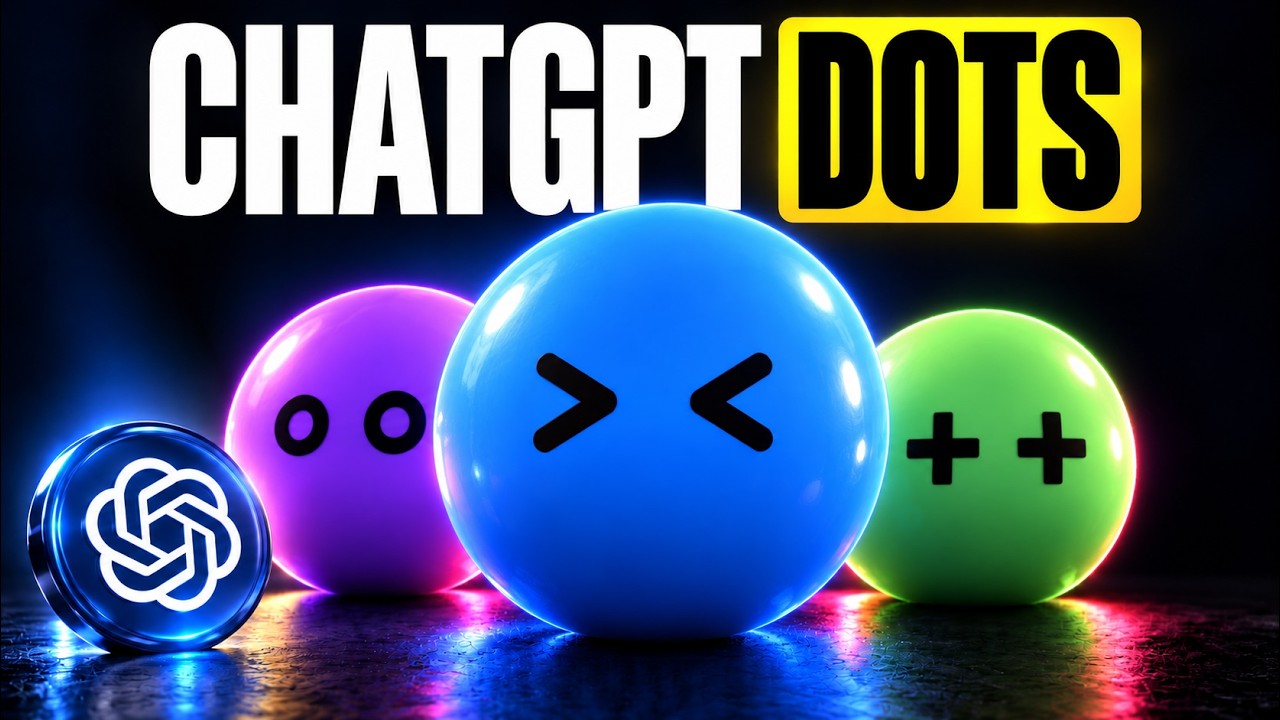
this. So, let's just skim through. Basically, dots are these personal assistants that we create. They have this cute little design here, which honestly looks like they just stole this
design style from Grockbot. But this lady right here is speaking with her dots. And one really cool part about this is not only can we text with these over the chatbt app, but we could
actually speak with these over the phone. So we could call our dot, we could text our DOT on SMS, we can email our Dot, we could add it in Slack messages. All these different ways to
communicate are now possible with our personal assistant. And the thing I'm most excited for is I have a feeling over time they're going to release a hardware product where we could use that
to communicate with our agent instead of having to carry our phone. Now, this right here is an example of the interface of Chatribt Dots. I don't have access to it yet, otherwise I would test
it out. I will be covering it in the next couple of days when I do have access on this channel. So, make sure to subscribe. On the right hand side is our little interface here. And this looks
very, very similar to Grockbot. We have our little icon up here where we could name our specific agents. This is not like MetaMuse how we only have one agent. We can configure each individual
specialist agent for given tasks. This isn't going to be anything groundbreaking. If you are familiar with platforms like Grockbot and Metamuse, if you've been testing it over the last
couple of weeks, but dots are basically able to be proactive and work even when we're not communicating with it. So, right here in this example on stage, it shows that Alfred Sam Alman's dot is
saying, "Good morning, Sam. I've already caught up on your Slack and your email. Nothing urgent or just three things to look at when you get to your office." Uh, so basically, it's proactive. It's
able to follow up with you. We're used to using chat GBT and codeex and having to give it a prompt. So, now that we could actually text with it and it can be proactive while we're not necessarily
engaging with it is the main difference here. Now, let's quickly talk about how do work and the infrastructure behind it. So basically we have our dot which is where we're interacting with it. And
this is using a few different things. It is using codec. It's using chatbt work and a cloud browser along with the applications that we connected to. Basically it's able to go off and use
codecs without us needing to be inside of the codeex app. We could just chat with our dot and it's able to go and perform actions across the projects that we're working on inside of codeex. And
again, just like Rockbot, it does have a cloud computer, which if you don't know what this means, this basically means it has a designated area where it can go and work that's not on your physical
device. This way, you could have it go and look through Instagram, for example. Once you give it a sign into Instagram, instead of it running on your own computer, it's running in the cloud. So,
you could still continue using your computer while it's going and doing that task. This is basically what we already have inside of Codeex if you have used that platform as well as chatbt work.
So, this isn't necessarily anything new, but these three things are what make up our chatbt dots. Now, of course, people are going to ask about the permissions and the security behind this. Is this
safe to run? Is it going to go and text your ex-wife telling her that you miss her? Things like this you don't want your AI to do. So, we're able to set specific permissions before delegating
tasks. So, we could connect it to only the apps that we want to use. We could then have it require approval for immediate actions if we don't want it to go and run rogue which most people are
going to prefer to do that. Now let's quickly talk about pricing with chatbt dots. This is very very surprising and this is going to be good news to basically everybody. Our first dot is
included in our pro or business premium plan at no extra cost. It's available 24/7 to talk, help you think, and stay on top of what matters. conversations with your chatbt dots don't count toward
your chatbt usage limits. Now when it does use our credits is when you ask your dot to start or manage tasks inside of codeex or chatbt work then those are obviously going to count towards our
usage limits which makes complete sense. But if we're just chatting back and forth with the dots it won't charge us. Next up probably the second biggest part of this release in my opinion is chatbt
space. This is basically a new workspace that you could work across not only with your team but also with these chatbt dots. So it's almost like a unified work environment that they're trying to get
us to work inside of. Now I personally don't have access to chatbt space yet along with dots but this right here is a live demo of what this looks like and this looks very similar to notion. From
my understanding of watching this initial demo it seems like they're trying to make a unified space like notion for both our team members and ourselves to interact with. So, for
example, right here, her chatbt dot created this little feedback diagram dashboard. She's also then able to tag her dot right here in order to go and make changes to this specific page.
Right off the bat, after looking at the demo of this, I'm not sure exactly how I like this. It does seem like it could get overly complex. I'd rather just communicate with my chatbt dot in a text
thread like I could do with Grockbot. So, I'll be interested to see if this is something that I'll actually use on a day-to-day basis. Now, moving on to the new model that dropped. We have GPT 6.1
Soul, which is now 80% cheaper than GBT6 Astra. And OpenAI is even saying it's near the same level of intelligence as Astra 6. Right, here's a breakdown of the price. So, we have $2 per million
input tokens on GPT6.1 Soul, whereas Astra is $10. For cashed inputs, we have 10 as opposed to $1. And then for output, we have $10 compared to $50 on GPT6 Astra. Now, at this point in time,
it's getting incredibly hard to keep up with all these new models because Anthropic literally dropped Sonnet 5.5 yesterday and a couple days before that they dropped Opus 5.5. It seems like
both OpenAI and Enthropic are dropping a new model literally like every other week at this point. So, only time will tell if this is actually that capable of a model for cheap, even though OpenAI is
saying that it will be. Now, where is this available? This is available in chatbt work codecs and the API as of today for all plus pro business and enterprise users. Next up we have a new
$500 per month plan inside of chatbt which I'm personally excited about. I'm definitely going to be upgrading today. On this plan we get the new ultraast model which was also released at devday.
We have no 5 hour limit. We could use it across our partner apps and it's 25 times usage of the plus plan. Next up, this one gets a little bit developery but I want to talk about it very
quickly. So they also released the new decisions API which is very similar to Jev which has been taking the world by storm over the last couple of weeks. This is a new way that our AI agents are
able to make decisions very very quickly. And in return this means that computer use can be much better. So as you can see on screen right here we have our decisions API going and using
computer use in order to go and book a flight for us. And as you can see this is extremely fast. If you've ever used previous computer use, it is very slow when it comes to being able to make
decisions on what buttons to click, how to use specific interfaces. So, this should make a big difference when it comes to computer use and running our different AI agents inside of chatbt.
All right, so those are the top things I wanted to cover from OpenAI dev day. This happened about an hour ago. I'm very excited to begin testing out both Chacht Dots GPT 6.1 Soul. I'm going to
upgrade to the $500 per month plan and let you guys know if I'm still running into hitting my usage limits.