Enjoying this issue?
Get tomorrow's AI & engineering digest in your inbox — hand-picked, summarized, and always spam-free.
TLDR
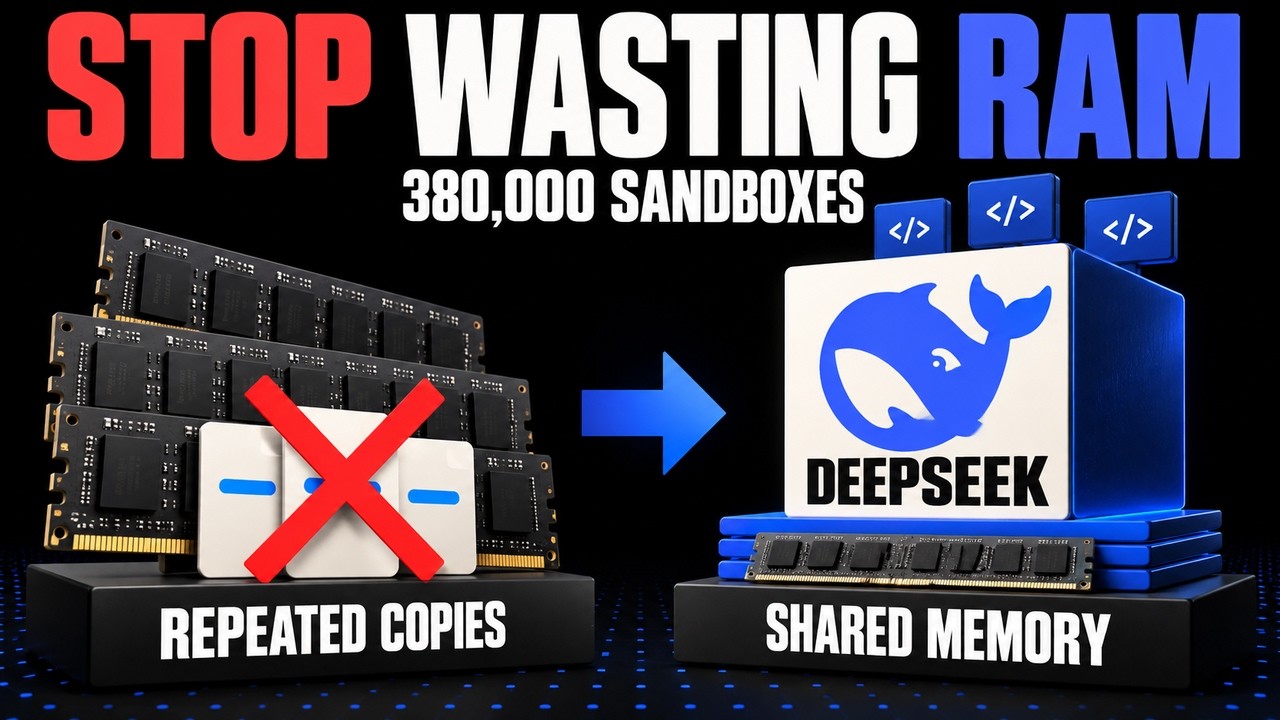
DeepSeek's DSEC platform sustains over 380,000 concurrent AI agent sandboxes with most using minimal CPU, thanks to overlay filesystems, lazy image loading, memory reclamation, and core scheduling. The real bottleneck is memory, not CPU, as idle sandboxes still hold state.
Key points
DeepSeek reports peak concurrency above 380,000 sandboxes.
90% of sampled environments averaged at most 5% of requested CPU capacity.
DSEC uses overlay filesystem to share base images and isolate per-task changes.
Image data is fetched on demand from 3FS shared storage; only 4.2-13.3% accessed.
Memory reclamation and free page reporting help manage memory, but idle sandboxes retain memory.
Tools mentioned
Techniques
- overlay filesystem
- on-demand image fetching
- memory reclamation
- free page reporting
- core scheduling
- shared cache pages
Stop scrolling. Start reading smarter.
Receive the day's most important AI & engineering updates in one concise email. No spam.
Transcript (captions)
Picture an AI agent changing a file. A test fails and the workspace waits for its next instruction. CPU use falls, but the changed file stays. Now keep hundreds of thousands of those
workspaces available. What fills up first? Deep Seek's early 2026 samples offer a clue. About 90% of the sampled environments averaged at most 5% of the CPU capacity they requested. We're
comparing CPU used with CPU requested by containers and micro VMs, which are small virtual machines. 90% of physical servers weren't necessarily idle. For our coding
illustration, the agent uses Deep Seek V4 One Flash. Its sandbox is a temporary workspace holding that changed file, separate from the model and the hardware. Deep Seek reports peak
concurrency above 380,000 sandboxes. Alongside those low CPU averages, that's a very different picture from 380,000 computers working flat out. These scale and utilization figures are Deep Seek's
own, without independent reproduction. So, what still occupies space while the CPU waits? Follow our edited file. No new instruction has arrived, but the workspace still has something to keep.
Turning down the CPU meter hasn't cleared the tray or made its contents disappear. Think of a workshop with a tray for each task. Some tasks need attention now. Others are waiting with
their materials still laid out. Counting trays tells you how many tasks are being kept around. Counting busy workers tells you something else. Deep Seek calls its platform Deep Seek Elastic Compute or
DSEC. It reports about 3 million sandboxes a day and creation throughput above 5,000 per second. One measures daily volume. The other measures how quickly new workspaces can appear. Peak
concurrency measures how many workspaces are around together. You can't use it to conclude that the creation rate continues all day and none of these counts tells you that every workspace is
using every bit of CPU it requested. About 160 CPU nodes make up a unit, but the paper also describes cloud overflow and shared storage. Before dividing the peak sandbox count by 160, we'd need to
know whether that whole peak belongs inside that hardware boundary. That remains unresolved. Back at our tray, waiting still takes space. Files need to stay available, and a guest can retain
memory pages while doing very little CPU work. Having processor time to spare doesn't automatically give the host more memory to use. The CPU's available. The desk is still covered in stuff. To
understand how these workspaces fit, we need to follow that stuff, what each task keeps for itself, and what several tasks can use without making a complete copy. Start with those reference books.
Several tasks need the same unchanged material. So, picture one shared edition they can all consult. Personal notes stay in their own trays. Now, the shared starting material and each task's
changes have separate homes. In a file system, we can arrange those pieces in layers. DSEK combines independently versioned layers with local rights. Each workspace draws on shared material and
keeps its changes separately, while a combined view lets the task use both together. Now, our agent needs to edit a file from the shared layer. Changing the shared
original would change what other tasks read. Linux's overlay FS handles this by first copying the file into the writable upper layer. Our agent edits that copy. Another workspace can still read the
unchanged original. Our workspace sees its edited copy. Sharing a starting doesn't require every task to inherit every other task's edits. Each can keep
the changes it made in its own writable layer. Does every workspace need the whole book before it can read one page? A software image supplies the files for its starting environment. DSEK fetches
image data as it's needed from a shared storage system called 3FS. Across the paper sampled images, only 4.2 to 13.3% of the image data was accessed. Those samples read a relatively small part of
what was available. Feeding data as needed matches that pattern without requiring every page up front. Keep that percentage attached to image data accessed. You can't turn it into a
percentage of training cost saved or assume every workload reads so little. What these samples establish is that they didn't read all the available image contents. Put those two mechanisms
together. Our workspace reads shared material when it needs it and keeps rights locally. Shared image files provide the starting contents. The writable layer holds this task's
changes. Our failed fix still has somewhere to live. Several trays may also need the same page already held in memory. DSE reports sharing cache pages avoiding a separate cache copy for each
workspace. A photocopier at every desk would rather defeat the point. One shared page can serve several readers. Sharing cache pages still leaves another problem. A guest can hold on to memory
while its CPU use is low. Looking inactive doesn't tell the host which pages are available for another guest. Reusing memory needs more information than a CPU meter provides.
Some memory hasn't been accessed recently. Proactive reclamation identifies those cold regions as candidates for reclaiming space. Separately, free page reporting lets a
guest tell the host which memory it has already released so other guests can use it. DSE reports reclaiming memory as part of its resource management. For capacity planning, the useful
distinction is between memory a guest still holds and memory the host can reuse. Linux's documentation explains these mechanisms. It doesn't independently verify deep seek's
deployment. Fitting another workspace is only part of the job. DSE also reports protecting CPU work that needs a quick response. Once tasks start running, placement matters too. Workspaces that
fit in memory can still compete for the same physical CPU resources. Picture two work positions attached to one physical bench. Give one task lower priority and both positions are still attached to
that bench. Priority changes how the task is treated. It doesn't remove the shared hardware that lets neighboring work interfere. Those positions represent sibling hardware threads on a
physical CPU core. Linux core scheduling controls which task groups can share a core. With latency sensitive work to protect, packing tasks together also means
choosing which tasks are allowed to run alongside each other. Linux's documentation explicitly says performance improvements aren't universal. You shouldn't read core
scheduling as a switch that makes every workload faster. It gives you control over sharing. Whether that helps performance depends on the work competing for the core.
An agent's run through a task is called a rollout. Its GPU allocation can be interrupted. That's preemption. Dsec reports preserving rollouts across those interruptions, coordinating the ongoing
task and the state it needs to continue. Back in the workshop, a test tray can stay put when one part of the process loses its turn. Coordinating those lifetimes helps preserve the task. It
also explains why live sandboxes and models actively generating at that moment are different counts. Access matters as well as capacity. The paper reports answer-seeking misconduct as a
reason for access controls. Keeping useful task state available still requires limits on what an agent can reach. Fitting more workspaces doesn't establish that tasks are being
completed properly. Across the workshop, each mechanism has a job. Shared starting files and selective reads reduce duplication and unnecessary fetching. Private edits preserve each
task's changes. Memory reclamation, CPU sharing rules, and coordinated lifetimes manage what those workspaces need as tasks run and wait. Return to our illustrative failed fix. CPU use is low
and the changed file remains in its private layer. Shared image contents are still available without a private copy of the whole image. Our workspace can wait while keeping what the task
changed. At scale, that distinction makes the the easier to read. Deep Seek reports over 380,000 sandboxes available concurrently. Its utilization samples help explain how a large
workspace count can coexist with much less CPU activity than their requested capacity might suggest. Averages still leave room for bursts. A task can wait, then needs CPU again when more work
arrives. Low average utilization helps explain the opportunity to share resources, but it doesn't promise that every workspace stays cheap to serve at every instant. If you're building an
agent platform, I'd start with separate views of workspace count and CPU use. Compare actual use with requested capacity. Keep response sensitive work in view, too, because spare capacity on
average doesn't settle which tasks should share a core. For memory, track what waiting workspaces still hold and what the host can reuse. Those are different quantities. Shared cache pages
and reclamation address different parts of that problem, so an idle CPU meter can't tell you whether either is doing enough. Next, examine the starting files. Selective reading is worth
considering when tasks touch only part of an image, as the paper samples did. Sharing unchanged content and isolating edits answer a separate question. How much of that material needs a private
copy? More CPU won't fix a memory bottleneck. You've hired another mechanic, but there's nowhere to put their tools. Before adding capacity, check which resource is actually
stopping the next workspace from fitting. My verdict for agent platform builders, Deep Seek is worth studying for how it retains state and manages shared
resources. It reported 380,000 counts concurrent sandboxes, rather than dedicated computers working flat out. In your workload, which resource actually limits how many workspaces you can keep
available?