Enjoying this issue?
Get tomorrow's AI & engineering digest in your inbox — hand-picked, summarized, and always spam-free.
TLDR
Higgsfield Ad Studio can generate 20 static ads and video variations from a single brand kit in minutes, but the demo of a fictional coffee store shows that generated ads require careful review of product facts and pricing. The real bottleneck is not ad creation but testing which message actually sells, making execution the differentiator for solo builders.
Key points
The fictional coffee store 'Rollback Roasters' was built in 18 minutes using AI.
Ad Studio generated 20 static ads from a brand kit for 80 credits.
Video ads were created using Ad Multiplier with a reference video and logo.
The total credit cost for the session was 484.14 credits.
Generated ads require human review for accuracy, such as price and pack size.
Techniques
- brand kit configuration
- static ad batch generation
- video ad generation with Ad Multiplier
Stop scrolling. Start reading smarter.
Receive the day's most important AI & engineering updates in one concise email. No spam.
Transcript (captions)
This store took about 18 minutes to build and put online. That includes the design changes, four products, product photos, a proper storefront. It looks like a business. With AI, you can build
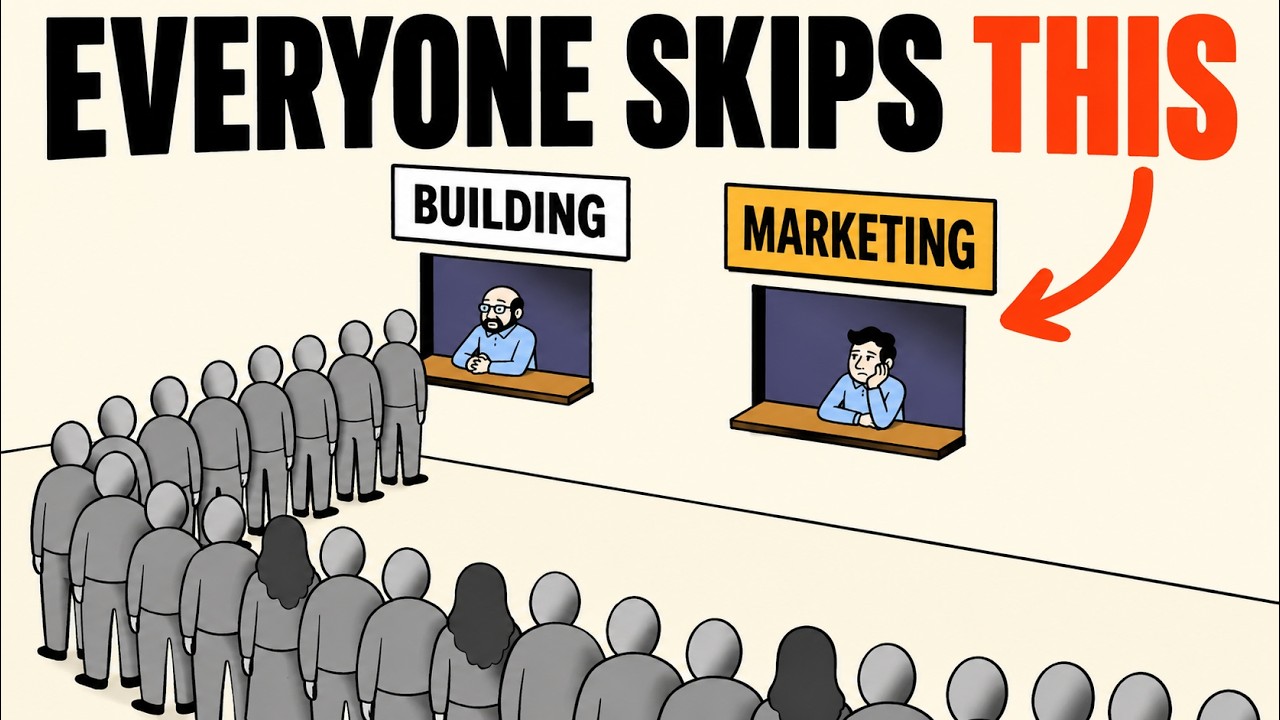
almost anything now. A store, an app, a whole website. So can everyone else, which leaves one question. Who's going to buy it? This video is sponsored by Higgsfield. I'm taking this fictional
store through Ad Studio from its website to a batch of image ads to two video variations, and we'll look at the actual credit cost. Building is the easy half now. What separates a solo builder from
a real business is ruthless execution. Here, that means getting something in front of people, testing the message, and changing what doesn't work. A nice product photo doesn't tell you which
message someone cares about. Is it convenient? Is it a problem they recognize? Is it the moment they'd use it? Those are different ads even for the same product. Making those versions can
mean more design work, another shoot, another edit. That's the part I wanted to explore here. We haven't run these as a real campaign, so this is an ad making experiment, not proof of sales. Meet
Rollback Roasters. It's made up. Nothing here is for sale. The idea is coffee for on-call engineers, which gives us a specific audience to write for instead of trying to sell coffee to absolutely
everyone. There's Pager Blend, Rollback Decaf, Hotfix Cold Brew, and a Post-Mortem Mug that says Blameless. The cold brew is a four-pack for $14. Remember that detail when we get to the
generated ads. Ad Studio now covers both static image ads and video ad variations in one place. Static ads starts with the brand and its products. Ad Multiplier starts with a reference video you want
to change. I start with static ads and paste the store address, then create my brand. The imported kit gives me a starting point, the name, colors, product information, and suggestions
about how the brand should sound. This is where I'd slow down. Treat that kit like a configuration file. If the audience or voice is vague here, you're carrying that vagueness into every ad in
the batch. Check those inputs before making a whole batch. The recording shows me tightening the tone first. I want it to sound like it's talking to engineers without turning every sentence
into a joke. Then I edit the audience and the visual direction and save those changes. Also check the product fact in the colors before continuing. Those fields are worth reviewing even when the
input looks good. A polished layout won't rescue the wrong price, the wrong pack size, or copy aimed at the wrong person. Now the batch. Four products selected, five ads for each one, 20 ads
all together. The button shows 80 credits and you can see the credit cost before you hit generate. That's four credits per image for this batch. Here's the finished set. You can browse by
product, open an individual creative, and download the results. The useful question now isn't just whether they look nice. What is each ad actually trying to make somebody care about? This
one leads with a benefit. All the flavor, none of the caffeine. It's giving someone a reason to choose decaf. One product, one clear payoff without needing a paragraph to explain it. This
one starts with a problem. No machine, no grind, just cold brew. It's about removing effort. I'd test that message with someone who wants coffee quickly rather than someone who enjoys making
it. And this one is about a situation. For the 3:00 a.m. page. That's much more specific to our audience. The person reading it should recognize the moment before they even start thinking about
the drink. Those are three different reasons to click. If you only change the background color, you haven't necessarily tested a different idea. I'd start by changing the reason someone
should care, then refine the layout around it. Now I ask for three more ads for engineers on a night shift, keeping the same brand look and tone. You can see me send that in the chat instead of
going back through the whole setup again. It asks about the offer. I keep the regular $14 price with no special promotion. Then the three new ads appear. That little clarification
matters. You don't want a tool inventing a discount your store doesn't actually offer. Here's something to fix before publishing. This ad puts $14 beside a single can, but our product is a
four-pack. The price is there, the quantity isn't obvious. So, I'd make that explicit. Generated doesn't mean ready to ship. For video, I move to add multiplier. There's a preset gallery, a
place for image references, and a prompt. I add our logo and describe the coffee version I want, then check the quote before generating. A small oddity here, the selected thumbnail kept
showing a cat when I tried this community preset. I don't know why. Let's judge the two downloaded results on their own. This is the first result. The orange straw and the rollback
branding make it feel connected to the store, but I'd still inspect the small lettering while it moves. That's exactly the kind of detail a quick preview can hide. For the second pass, I add the
Pager Blend bag as another reference. That gives it a specific product to work with, as well as the logo. I update the prompt and generate that version, too. Here's the second output. The bag is now
a much stronger part of the shot, but the lid, the surface, and the background differ between these two results. I'd compare the whole frame, not just the logo I asked it to use. You also have
separate hook and call to action controls. Use the hook when you want to change the opening message. For this audience, I entered "Prod is down, you're up." That's the first reason to
stop scrolling. The call to action is what you want someone to do next. Here, it's "Order Hot Fix Cold Brew before your next on-call shift." I entered the wording, but didn't generate that
version. These are controls I'm showing, not another finished result. Turning on the hook edit switches the general prompt off in this recording. Choose the route that matches the change you need,
and check the live quote again. Editing the message and changing the visual scene are different jobs. So, what did this session cost? The balance starts at 14,297.61
credits. It ends at 13,813.47. Subtract those and the decrease is 484.14 credits. The buttons we can itemize show 80 for the 20 images and 144 for each
video run at 1080p. That's 368. The rest isn't itemized here, so I can't assign it to a specific step. For me, the useful part is getting several messages and formats out of one reviewed brand
kit. You still need to check the product facts, inspect the outputs, and test them with real people. The tool makes versions. It doesn't tell us which one sells. Anyone can build now. Ruthless
execution is the edge. Test what sells, keep what works, cut what doesn't. For our little coffee store, the next useful step would be testing a message, not adding another feature to the website.
Pick your ad. Number one, the decaf benefit for someone who wants the flavor without caffeine. Number two, cold brew without the machine or the setup. Number three, the 3:00 a.m. page written for
our on-call audience, which would make you click. Comment one, two, or three. If you want to try it, open Higgsfield Ad Studio. Add your website or a video reference and build your next set of ads
to test. The link is in the description.