Enjoying this issue?
Get tomorrow's AI & engineering digest in your inbox — hand-picked, summarized, and always spam-free.
TLDR
Counterfeit 4090 boards that contain no 4090 processor at all are reaching buyers, which makes cheap listings a hardware trap rather than a bargain. The reliable check on a powered card is CUDA deviceQuery's multiprocessor count, with genuine 24GB 4090s reading 128 while 30-series chips re-labeled as 4090s read 80, 82, or 84. On tracker pricing, a used 3090 delivers the same 24GB at 30-57% less per gigabyte, making it the safer value pick than a used 4090.
Key points
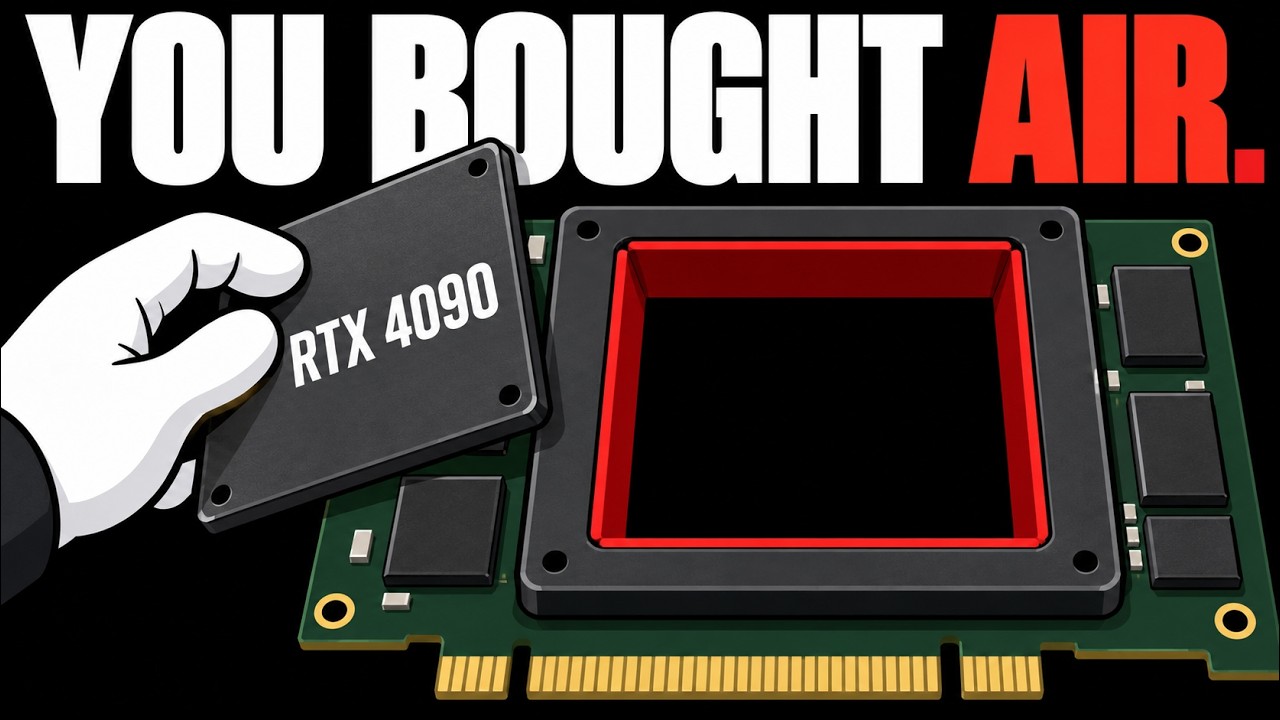
A $350 reported 4090 repair board contained no 4090 chip and used GDDR6 memory.
CUDA deviceQuery reads the multiprocessor count; a genuine 24GB 4090 reports 128 SMs.
Re-labeled 3090, 3090 Ti, and 3080 Ti dies still report 82, 84, and 80 SMs.
A 70B parameter model needs about 42GB at Q4KM compression, exceeding any single 24GB card.
Used 3090s cost about $50-60 per gigabyte versus $86-117 per gigabyte for used 4090s.
Techniques
- Multiprocessor count verification using CUDA deviceQuery
- Price per gigabyte comparison for used GPUs
- Model memory estimation from weights plus KV cache at a given quantization
- Bandwidth-based decoding speed ceiling calculation
- Q4 weight quantization to fit models on consumer cards
Stop scrolling. Start reading smarter.
Receive the day's most important AI & engineering updates in one concise email. No spam.
Transcript (captions)
A 4090 reportedly sold at $350 as a repair project looks like a bargain next to the 2800 a working one runs. Though trackers range from about 2070 to 3000. The board in the reported teardown
had no 4090 chip under its metal lid. So that gap is worth understanding before you spend anything on 24 GB of video memory. In the case reported this month, a Russian repair specialist examined a
4090 board that a customer bought for 30,000 rubles. The reports convert that to about $350, though Lo Yats own page shows a different conversion. Once the GPU package was desoldered, there was no
4090 chip behind it. The memory looked like GDDR6, where the real card uses GDDR6X. A listing that calls this a repair project is being generous to a circuit
board with no processor behind the lid. A real 4090 should differ from the fakes that do power on by one number your own driver reports. And reading it is what this video is for. For local models, you
want those 24 GB. And two leakers on X now say Nvidia may stop selling the 5090, which Nvidia hasn't confirmed, but which can still make a cheap listing feel like a deadline. So the question is
how you check a 4090 when the name, the sticker, and even the lettering can be faked. And we'll build the answer from the teardown before ranking used cards by price per GB and naming the best
Nvidia pick. A 2026 buyers guide pairs GPU-Z with a benchmark. And that's sound as far as it goes. GPU-Z reads device ID, memory type, and bus width, which is a quick way to catch the wrong memory on
a card that runs. The teardown board never got that far because with no GPU behind the lid, there was nothing for GPU-Z to read. And the GDDR6 call came from looking at the chips. That same
guide warns that names and screenshots can be spoofed. GPU-Z's own fake detector from 2018 was built to catch old chips reflashed as newer cards with chips such as the G84 and G92 on its
published list. A real 3090 also carries the same 24 GB of GDDR6X as a 4090, so size and type won't separate them. TechSpot describes a technician who received four faulty 4090s and found
three were modded from 3090 and 3080 parts, and each had been bought for about $1,394. PC Guide covers a July 2024 case where a 3080 Ti chip had its old marking
polished off and was re-lasered as AD102 with the memory swap, too. Both are real GPUs that run as the wrong model, so a card that powers on tells you almost nothing. Only the dummy package kind can
never work. The dummy package kind was sold as a bare board with no cooler, which Low Yat reports kept buyers from powering it on. Selling the board without a cooler is a
tidy way to make sure nobody learns whether it works. A laser can re-mark a chip, but the number of compute blocks inside it is part of how the chip was built, and Nvidia builds these chips
from repeated blocks called streaming multiprocessors, SMS for short, with the 4090 specified at 128 of them on the AD102 die. Picture the card's name as a sign on a building and the SM count as
the rooms inside. So, repainting the sign is cheap, but a building with 84 rooms can't be made to hold 128. The picture breaks at the count itself, since it says nothing about how fast
each room works. So, 128 tells you which chip you have and leaves its speed to other specs. Wikipedia's 30 series table lists cards a fake 4090 is likely built from. With 82 multiprocessors on the
3090, 84 on the 3090 Ti, and 80 on the 3080 Ti. And KitGuru notes that even a full GA102 tops out at 84. So, a re-labeled 30 series chip should top out at its own count of 80, 82, or
84, because that count belongs to the silicon. A name, a sticker, or a laser mark is a a kind of claim, since each of them can be reprinted. To read the count, you ask the driver instead of
reading the label. Nvidia's CUDA runtime defines a structure called CUDA device prop with a field named multiprocessor count, documented as the number of multiprocessors on the device. The CUDA
driver fills it in. Device query is the sample program Nvidia provides to print those properties. It ships with the CUDA samples, so you need the driver and the samples on a machine that can power the
card. Nvidia wrote it as a programming demo, which makes the best fraud detector in the story technically a code sample. The documentation defines the field, but not how the driver arrives at
the number. No recorded test has run a counterfeit through it, either. So, the claim that a fake can't pass is an inference from the die's layout. So, the rule fits in one sentence. A standard 24
GB RTX 4090 should report 128 multiprocessors, and a re-labeled 3090 should report 82, a re-labeled 3090 Ti 84, and a re-labeled 3080 Ti 80. The memory spec does have one line that
differs, bandwidth, at 936 GB per second for the 3090 and 1008 for the 4090. On a listing or a screenshot, that's one more number a seller can type. So, it can't stand in for a count your own driver
reads. The dummy package card can't be tested by software at all, because there's no chip to report anything. So, the seller refusing to let it power up is your
warning. The re-labeled and modded cards pass on size and type, which leaves the multiprocessor line as the one to read. Two real variants sit outside the rule. The China market 4090D has 114
multiprocessors, so one sold as a plain 4090 fails the 128 test. Modded 48 GB 4090s exist, too, which is why 128 covers a standard 24 GB card only. A bare board gives you nothing to run. So,
if the seller won't let the card power up in a working machine with a driver installed before the sale is final, treat it as the dummy package kind until shown otherwise. Because names and
screenshots can be spoofed, the run has to happen live on your own machine or on a screen you can watch the seller operate, and not in an image they send. In practice, the check goes like this.
Run device query, find the multiprocessor line and compare it with 128. Then open GPU-Z as a second look. It rules out the wrong memory type, but a 3090 shows the same GDDR6X.
So, a good GPU-Z screen never overrules a multiprocessor count below 128. Before you run anything, the reports give you three listing signs: a bare board with no cooler, a repair project label, and a
price far below working cards. And any one of them is reason enough to ask for the live 128 reading before you pay. A reading of 128 is what a standard 4090 should show. And a reading of 80, 82, or
84 is a 30-series card wearing a 4090's name. So, keep the payment reversible until device query has run. Once a card checks out, the next decision is whether you needed a 4090 at
all. Your models settle that with two numbers: how much memory they occupy, and how fast the card can read it. Computing for Geeks lays out the
standard formula. Weights take parameters times bytes per parameter. At 16-bit, that's about 2 bytes. While a common compressed format called Q4KM stores each weight in about 0.6. So, a
70 billion parameter model needs roughly 140 GB at 16-bit, and about 42 compressed. On top of the weights sits the KV cache, which stores attention data for every
token of context. For the 70 billion Llama 3.3 at 16-bit, the cache is about 2.6 GB at 8K tokens, and about 41 at 128K. A long context turns out to be the most
expensive way to say as we discussed earlier. A 30 billion model at that compression needs about 18 GB of weight. Call it 21 with the usual 15 to 20% overhead, which
fits a 24 GB card with a little room for context. A 70 billion model wants about 42 before any cash. That means no single 24 GB card holds a 70 billion model at Q4, whether it's a 3090 or a 4090. So,
the extra money for a 4090 isn't buying more room. Speed has a separate ceiling. Databricks explained in October 2023 that decoding weights on how fast parameters load from GPU memory. So,
time per token is about the model size plus the cash divided by memory bandwidth. Their example is a 7 billion parameter model at 16-bit, which moves 14 GB per token. Divide a 3090's 936 GB
per second by a 20 GB model, and you get a ceiling near 47 tokens a second, while a 5060 Ti's 448 gives near 22. Though that model wouldn't fit in a 16 GB anyway, and both are calculated
ceilings, not benchmarks. The same formula gives the 4090's 1008 GB per second a ceiling near 50 tokens a second on that model, which works out to about 8% above the 3090. That covers
generation one token at a time. Prompt processing is a separate job this formula doesn't model. So, capacity decides whether the model loads, and bandwidth decides how fast it
talks, which makes dollars per gigabyte a fair first filter with bandwidth as the tiebreaker. The prices come from aggregator snapshots between late September and October 11th, 2026, and
they vary by 30% or more between trackers, and condition varies, too. So, each per gigabyte figure is simple arithmetic on a moving number. At the bottom, a used RTX 3060 with 12 GB runs
about $290, which comes to roughly $24 per gigabyte, the cheapest memory here, and also the smallest pool. A 16 GB RTX 5060 Ti is listed around 580 to 650 dollars, which divides out to 36
to 41 per gigabyte. Though the snapshots don't say whether that's new or used. A used RX 7900 XTX with 24 gigabytes is about 975 near 41. Device query belongs to Nvidia's CUDA tooling though, so it
won't help you check an AMD card. Used 3090s range from 1,199 to 1,450 dollars depending on the tracker, which lands at about 50 to 60 dollars per gigabyte for the same 24
gigabytes of GDDR6X and 936 gigabytes per second a 4090 buyer would be comparing against. Spread over its 24 gigabytes even the lowest tracker price near 2070 is about 86
dollars per gigabyte. That puts a used 4090 at the expensive end. At 2,800 dollars each of its 24 gigabytes cost about 117 dollars, which makes the 3060 look like a clearance aisle. XDA's
January 2026 case for the used 3090 as the value pick priced at near 800 dollars, so that argument has weakened. By that arithmetic using tracker figures near 2070 and 2800 for the 4090, a 3090
still comes out 30 to 57% cheaper per gigabyte with the same 24 gigabytes. XDA also argued that two used 3090s cost less than 15090 while giving more total memory 48 gigabytes against 32, though a
model has to be split across the two cards. That holds on paper 5,000 to 9,600 dollar prices reported for the 5090, which are unverified. On the card you'd buy instead, the same
check applies since a 3090 should report 82 multi processors and a 3090 TI 84. One leaker says all future GB202 supply goes to the RTX Pro line and the other posted what he says is a factory notice
that every 5090 model stops selling and the 5080 24 GB becomes the top GeForce. Existing inventory may keep selling either way and both posts are dated October 10th. Since neither claim is
confirmed, the rumors shouldn't set your budget. If you want 24 GB on an Nvidia card, the better pick is a used 3090 that reports 82 multiprocessors. A used 7900 XTX is cheaper per GB at about $41,
but it's AMD. So, you lose the CUDA tooling this check relies on. XDA also points to the 3090's community software support as part of its value. If 16 GB is enough for your models, the
5060 Ti at $580 to $650 is the cheaper route. Though, it's 448 GB per second lowers the speed ceiling. If you're only starting out, a $290 3060 gets you 12 GB with the least money at risk.
A 4090 makes sense only if you need something this arithmetic doesn't capture and you found a seller who lets you run device query before the money moves. Comparing the two per GB prices
across trackers, it asks for about 1.4 to 2.3 times what the 3090 does. What's left after you set aside the sticker, the lettering, and the screenshot is a count of compute blocks.
A 4090 is specified with 128 and a 3090 with 82. A seller can repaint the name on a card, but a 3090 behind a 4090 sign should still report 82. So, the reported $350 repair project from the start is a
board with no processor. The $2800 working card is a purchase you can check against 128 before the money moves. On the tracker arithmetic, the 24 GB you came for cost 30 to 57% less per GB on a
3090. If you've bought a used GPU for local models, what did the seller let you test before the money moved?