Enjoying this issue?
Get tomorrow's AI & engineering digest in your inbox — hand-picked, summarized, and always spam-free.
TLDR
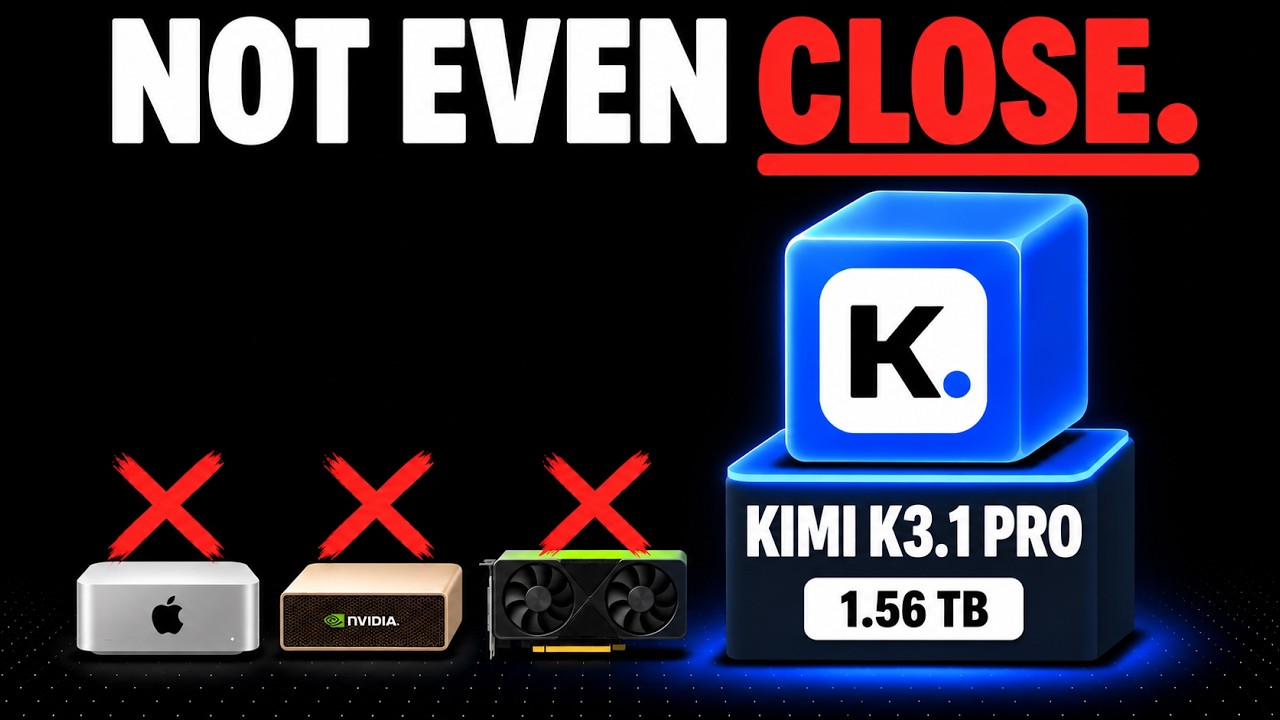
Open weights for Kimi K3.1 Pro do not mean it runs locally: the lossless copy is 1.56 TB, and even Unsloth's smallest 1-bit version needs 610 GB of combined RAM and GPU memory, beyond any gaming PC or 128 GB Mac. The $2-per-million API price only holds because providers batch about 80 users per B200, so the API is roughly a twelfth the cost of renting the four B200s the quantized copy needs. Use the API unless your team needs privacy, fine-tuning, or enough users to fill a rented node.
Key points
Kimi K3 has 2.8 trillion total parameters, with only about 104 billion active per token.
The lossless Kimi K3 copy totals about 1.56 TB, exceeding the 1,440 GB of GPU memory in a full DGX B200.
Computing for Geeks measured 0.10 tokens per second of generation on a four-A100 server with 2 TB of RAM.
Unsloth reports its 1-bit copy matches the full model's next token about 79% of the time, with coding quality impact unmeasured.
Moonshot removed cyber-related data from both training stages of the open weight release.
Tools mentioned
Techniques
- mixture of experts
- quantization
- inference batching
- model offloading to SSD
- post-training
Stop scrolling. Start reading smarter.
Receive the day's most important AI & engineering updates in one concise email. No spam.
Transcript (captions)
Once Moonshot releases the weights for Kimi K 3.1 Pro by November 4th, you'll want to pull it onto your gaming PC or 128 GB Mac. Either one is hundreds of GB short of even its smallest copy. The
lossless copy should come to about 1.56 TB. That's more than all 1440 GB of GPU memory in Nvidia's eight GPU DGXB200. The model's worth wanting because artificial analysis scores it 55 on its
intelligence index against 58 for Claude Opus 5.5 at about a third of the cost per task. Add Moonshot's open weight release and a runs on a Mac claim traced to Unsloth's setup guide and near Opus
at home sounds close. Part of that holds because open weights do let you host a model, fine-tune it, and keep your data in-house. It cracks on a published test from Computing for Geeks. Four A100
cards with 2 TB of RAM ran the one-bit copy of Kimi K3, the same architecture, at a tenth of a token per second. Moonshot's API charges $2 per million tokens in and 10 out. So, how does a
model that crawls on a server like that sell so cheaply? By the end, you'll know why it won't fit where you hoped, what the smallest copy needs, and how fast it runs, and when renting GPUs ever beats
the API. The number that ought to make this easy is on Kimi K3's model card. K3.1 Pro is a post-train of that model, and its own files aren't out yet. So, every size and speed you'll hear comes
from K3. The card lists 2.8 trillion parameters in total and only about 104 billion active on any given token. You'd reasonably expect to need memory for
something nearer 100 billion. Most of those weights sit in small blocks called experts, 896 of them. For each token, a router picks 16 to run plus two shared experts that every token uses. That
leaves almost the whole model idle on any one step, and it's why the active count is such a thin slice of the total. The catch is that the router chooses again for the next token, and it can
choose a completely different 16. That means all 896 have to wait in fast memory the whole time, ready for whichever ones get called. Unsloth's docs give the rule in one line. Your RAM
plus your graphics memory should roughly match the model file. If it doesn't, the model still runs, only much slower because the missing pieces come off the disk. The 104 billion sets the work per
token, and the 2.8 trillion sets the memory. That second number is what syncs the full model. Even though Kimiko stores the expert weights in a 4-bit format and only the rest in 16-bit, 2.8
trillion weights at those widths still add up to 1,560 GB in Unsloth's table for the lossless copy. A DGX B200 holds eight GPUs at 180 GB each, 1,440 in all. Subtract 1,440 from
1,560, and even that whole node comes up about 120 GB short. So, the full model doesn't fit in the biggest server in this video before you've typed a single prompt. Getting onto smaller hardware
means shrinking each weight, which is what quantization does. It stores every weight in fewer bits and accepts some loss. Unsloth's smallest version, a dynamic 1-bit copy, is 594 GB, 62%
smaller than the lossless one. It wants about 610 GB of RAM and graphics memory combined. And that 610 is the bar every machine from here on has to clear. Spread that file across
2.8 trillion parameters, and it averages about 1.7 bits per weight. So, one bit is closer to a nickname than a measurement. Unsloth says this copy picks the same next token as the full
model about 79% of the time, which is a match rate rather than a benchmark score. Its page stops at that number. So, what the shrinking cost you in coding quality is still unmeasured. That
match claim comes down to one line in Unsloth's guide, Mac Studio plus 128 GB RAM device. Kingy AI points out the model doesn't fit in a standalone 128 GB Mac Studio. In that sentence, the plus
sign is doing most of the lifting. Do the sum in any machine with 128 GB Mac or gaming PC holds a little over a fifth of that. The rest would stream off the SSD, which Kingy says may still produce
tokens, though no speed or stability figures for the Mac have been published. 610 GB is the bar. The Computing for Geeks box from the start cleared that bar easily because it's 2015 GB bytes of
RAM, about 2 TB, held the whole 1-bit copy with room to spare. Alongside that, it ran four A100 cards at 40 GB each and two AMD epic processors sharing 128 threads. You'd
expect fitting the model to be the hard part. Reading the prompt went at about 13 tokens a second in their benchmark tool, but writing the answer held at 0.10 tokens a second across the sampled
window. That works out to about 2 hours and 47 minutes for a thousand token reply. Long enough to forget what you asked. The write-up gives a speed without the
cause. 104 billion active weights at about 1.7 bits each is roughly 22 GB read for every token by our own count. Whether memory speed, the link to the cards, or the processor's own math
chokes on that hasn't been measured. Unsloth's own figure, about 20 tokens a second of generation, is for B200s with no GPU count given. And it carries a condition in their own words, if the
model fits. Four B200s at 180 GB each add up to 720, which clears the 610 the 1-bit copy needs. On paper, that's the smallest B200 setup with everything in GPU memory.
Moonshot's launch post also has a line worth reading here. For the open weight release, they removed cyber-related data from both training stages. So, the copy you'd run isn't quite the model behind
the API. Every published score so far had to come from that API model because the weights aren't out yet. So, the smallest B200 setup that fits is four cards. And the question is what a
working day of that costs. Thunder Compute's October price list has one B200 on demand from $5.99 an hour at Hyperbolic up to $16.11 at Google Cloud. Coreweave rents whole 8 GPU nodes at
$8.60 per GPU per hour. Multiply it out for four GPUs across an 8-hour working day, and you get about $192 at the cheapest listing. At Coreweave, where you take a whole 8 GPU node, it's
closer to 550, with the meter running while you're at lunch. For the API, assume a busy coding day of 3 million tokens in and 1 million back, which at 2 and $10 per million comes to $16. Set
the cheapest GPU day beside that busy API day, and the API comes to about a 12th. Even the high-speed tier at $4 in and $20 out, which doubles the bill to 32,
comes to about a sixth. For one developer, 12 times that usage wouldn't rescue renting, either, because a single stream on the rented box can't produce it. Run Unsloth's 20 tokens a second for
8 hours, and you get, call it, 576,000 output tokens, short of even the 1 million in that busy day. Latent Space adds a wrinkle, reporting about 55,000 output tokens per task for K3.1 Pro
against 48,000 for K3. On our arithmetic, that's roughly 15% more. So, the new model is a little more talkative, and on this price sheet, talking is the expensive half. Even with
that, the question from the opening is still open. A model this size costs close to $200 a day in rented GPUs, yet it sells through the API at $2 per million input tokens.
Semi Analysis Inference X measured Kimik K3 on B200s at 3,976 tokens a second per GPU, while each user still got 50. They estimate roughly 12 cents per million tokens at what they
call hyperscaler pricing. Price that same GPU at the cheapest $5.99 an hour from the rental list, and you land near 40 cents per million, still well under even the $2 input price. Divide one by
the other, and each GPU is serving about 80 people at once. That's batching, where the server runs many users' requests through the same GPUs together. The hourly rent gets split around 80
ways instead of landing on you, which is how the same weights end up cheap. Renting four B200s for yourself is like chartering a bus to ride alone when the API sells you a seat. Where the bus idea
stops working is the seat count, because how many riders a GPU carries depends on how fast each one wants to go. This measurement held every rider at 50 tokens a second, so 80 is a seat count
for that pace only. Batching is what makes the API cheap, and the open license plays no part in it. Self-hosting still earns its place for a company that wants to keep its prompts
and its code on its own hardware and fine-tune the weights on its own data. It can also put enough of its own people on the same GPUs to batch them the way a provider does. Before you plan around
that November 4th download, check that the Hugging Face repo is actually up. For a solo developer with a gaming PC or a 128 GB Mac, the better pick is the API at two and $10 per million. For a team
that needs privacy, fine-tuning, or shared serving, self-hosting on B200s starts at four of them running the one-bit copy. Just keep in mind that copy's coding quality hasn't been
measured, and it isn't quite the model behind the API. If you can't fill a rented GPU with enough people to batch, pay per token. Open weights don't mean you can run it
locally. If your team pooled its usage on one rented node, how many of you would it take before the GPU bill beat paying per token?