Enjoying this issue?
Get tomorrow's AI & engineering digest in your inbox — hand-picked, summarized, and always spam-free.
TLDR
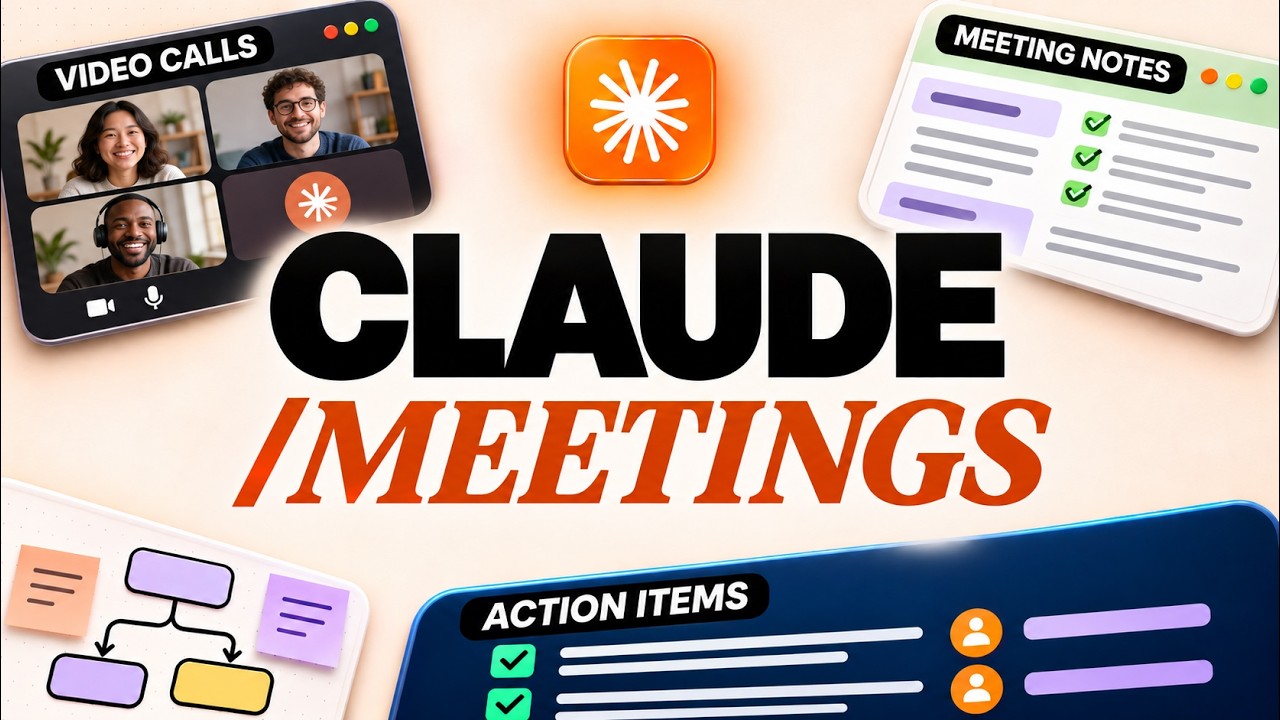
Claude Meetings turns Claude into a visible, interactive participant in Google Meet calls, capable of answering questions, building docs and whiteboards live, and generating post-call notes and action items. Unlike passive AI notetakers, it functions as an active collaborator that the whole team can prompt during the meeting. The beta is limited to Team and Enterprise plans and currently only works with Google Meet, with other platforms promised soon.
Key points
Claude joins Google Meet as a visible participant that the team can interact with during the call.
Users can ask Claude to create docs or whiteboards live, which the team can edit while talking.
After the call, Claude generates a page with notes, action items, transcript, and any artifacts built.
Claude leaves the call if an outside guest joins and only listens without replying when outsiders are present.
The beta is free for Team and Enterprise plans, with usage of connected tools counting toward plan limits.
Tools mentioned
Stop scrolling. Start reading smarter.
Receive the day's most important AI & engineering updates in one concise email. No spam.
Transcript (captions)
Anthropic just dropped Claude Meetings, which lets you add Claude directly inside of your video calls. First, it could answer your questions during the call. Then, it can even build docs,
whiteboards, and other Claude artifacts live while you're still talking in the meeting. And lastly, it writes up all of the notes and the action items for you. So, in this video, I'm going to break
down exactly what Claude meetings is, along with how it works, because it's unlike any other AI notetaker that we've seen before, as well as I'm going to talk about who gets access to this. This
video is going to be short and to the point. So, if you enjoy that, make sure you are subscribed. Without further ado, let's dive right in. All right, so this is the actual article from Anthropic.
And the big idea here is that Claude joins your call as a visible participant. So, it's following the conversation and your whole team can ask for things while the meeting is still
going. So, this isn't just like a normal notetaker like Granola that takes a meeting and transcribes it. This is almost like an interactive partner that you can have inside of your internal
meetings. And you can see right here that it's starting to roll out in beta on team and enterprise plan, which is a big bummer for most of us who are on the pro or max or ultra plan, whatever they
want to call it now. Looks like we're not going to have access to this as of right now. However, I would imagine they're probably going to roll these out to the personal plans as well over time,
but as of right now, it's just for team and enterprise users. As of right now, it only works with Google Meet, but Enthropic says that support for other video platforms is coming soon. So, I'd
imagine that they're going to roll this out to other platforms like Zoom as well. All right, so let's talk about what this actually looks like inside of a call because I think this is the part
that makes it feel really different from a normal AI noteaker. Now, I do want to be upfront and say that I don't have access to this yet. So, I'm just going to walk you through exactly how it works
based on what Enthropic has shared from both the release article and what they posted on X. Basically, in order to ask Claude for something, you can just say Claude and then your question. Or you
can also type it inside of the meeting chat. So, for example, you could say something like, "Claude, start a dock for this plan." And then it writes up everything your team has said so far on
that meeting. So, first of all, in order to add it, you go to meetings inside of Claude. You connect your Google calendar, you select a meeting, and then you click add Claude. Once it joins,
Claude shows up on the meeting as its own participant and it posts a notice inside of the chat with a link to the meetings page. Now, one of the cool parts about this is the tile inside of
Google Meet is actually live. So, you could look at it at any point and see what Claude is doing in real time. And then anyone on the team can say, "Claude, make a doc." Or, "Claude, make
a whiteboard." And the rest of the team can edit it while you keep talking. So, this really does kind of feel like an interactive application that your entire team can use specific for meetings. I
think that this is really cool right off the bat. Now, I want to quickly talk about some examples that Enthropic gives us so we could get an idea of how we can use this. Let's say your team is
planning a customer event and somebody asks Claude what last year's event costs. Claude asks for their approval to look it up. It posts the numbers inside of the chat and then it compares it to
the current plan. And if you want it to stop, you can just ask it to stop listening or you can ask it to leave the call. Now, I want to quickly talk about the whiteboard part of this because I
think this is probably one of the cooler features inside of this new release. And Claude whiteboards actually just came out two days ago. Basically, a whiteboard is a shared board inside of
Claude where you and your team can brainstorm together. And Claude can take a messy conversation and turn it into an actual plan with a timeline, owners, and dates. And I think this is a perfect use
case for a meeting because so many things are easier to understand when you can actually see and visualize them. So, for example, let's say you're on a call and you start talking through the
timeline for a launch. You could just say, "Claude, put this on a whiteboard." And your whole team can work on that schedule together while you're still on the call along with a nice visual
whiteboard. I actually made a full video breaking down Claude whiteboards just 2 days ago. So, if you want to take a look at that to see what that's all about, there will be a link in the description
to check it out. Now, once the call is over, everything lands on its own page inside of Claude. And I think this is the part that's going to save people the most time. Basically, every meeting gets
a separate page with the notes, the action items, the transcript, and anything that Claude built during the call. And everyone from your organization who was on the invite gets
a recap email with a link to that page so they could go in and edit anything that Claude made. Then later on, you can go inside of a regular chat and just ask Claude about any of your past meetings.
Now, moving on to privacy, and I think this is the part that every single person needs to know before they turn this on. First of all, Claude is never hidden on a call. when it joins, it
shows up as an active participant. And it posts a notice inside of the call's chat. So that way, everybody knows that Claude meeting is in there. It's also going to save a transcript, a summary,
and description of what's on the screen, but it does not save the actual audio from the video. Now, the part that I think is really smart is how it handles people from outside of your company.
When outside guests aren't allowed, Claude stays out of the call where somebody from outside of your organization is invited and it will actually leave if somebody from outside
joins partway through. And when Claude is on a call with outside guests, it just listens to the call and takes notes. So, it doesn't actually reply inside of the chat like it would if it
was just you and your team. Now, I want to quickly talk about pricing. During the beta, Claude's notes and transcripts are free on the team and enterprise plans, as well as its answers inside of
your calls. The one exception is when an answer uses one of your connected tools because that counts toward your specific plan's usage. Anyways guys, I'm super excited to get my hands on this new
feature and right when I do, I'll make sure to make a video for it for you guys. Thanks for staying to the end. Subscribe for more videos like this and I will see you in the next video.
Cheers.