Enjoying this issue?
Get tomorrow's AI & engineering digest in your inbox — hand-picked, summarized, and always spam-free.
TLDR
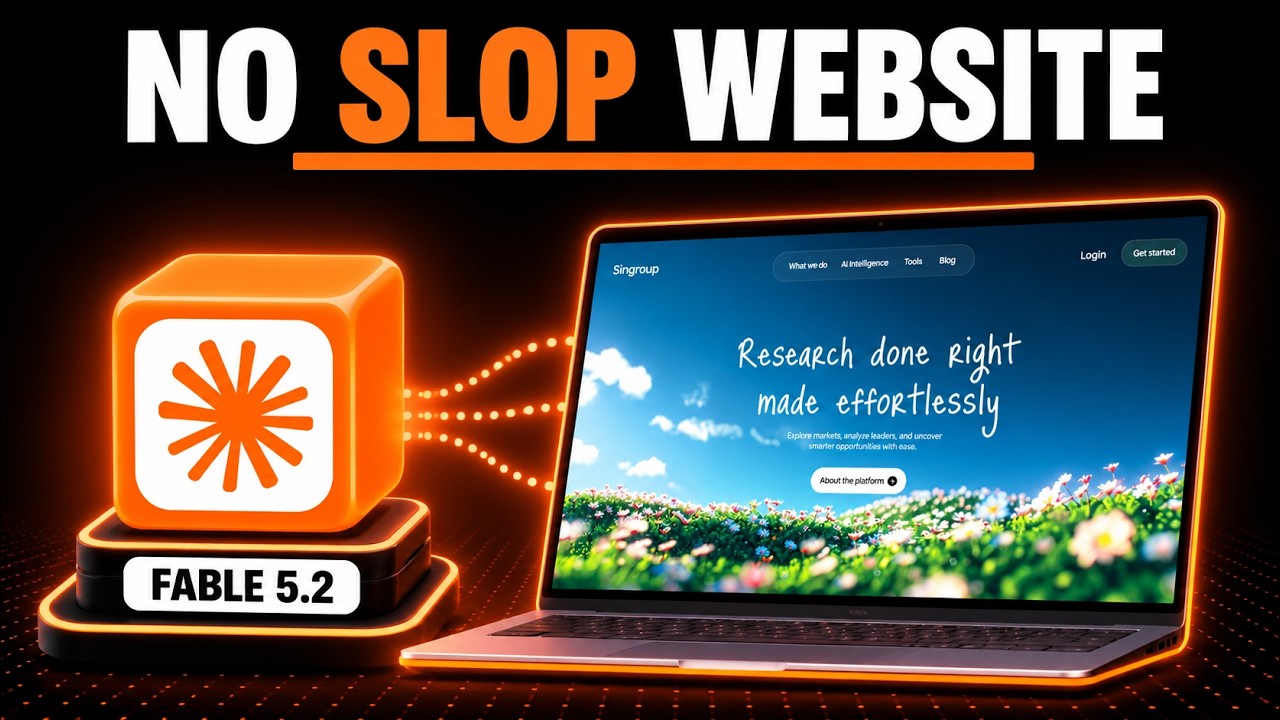
A single Claude chat with Fable 5.2 and Higgsfield MCP can build a complete, interactive marketing website — loading screen, 3D phone, charts, pricing — without writing code or switching tools. The key is giving Claude a reference site to study, a clear brand brief, and the instruction to work autonomously to the end. Higgsfield handles all image and video generation through the MCP connection, and the total cost was about 94 credits.
Key points
Claude Fable 5.2 rebuilt a reference site's structure and animations for a different brand from a single prompt.
Higgsfield MCP connects Claude to over 35 image, video, and audio models without an API key.
The entire site was built in under an hour with only two user interactions at the start.
Claude self-reviewed its output, reporting differences like CSS 3D instead of WebGL for the phone.
The Higgsfield bill for all generated assets was approximately 94 credits.
Tools mentioned
Techniques
- Using a reference site as a prompt for Claude to study and rebuild
- MCP (Model Context Protocol) to connect Claude to external generation models
- Autonomous agent workflow with a single 'work to the end' instruction
Stop scrolling. Start reading smarter.
Receive the day's most important AI & engineering updates in one concise email. No spam.
Transcript (captions)
This website has a loading screen, a phone that turns as you scroll, charts you can play with, and a pricing page. I didn't design it, and I didn' write a line of its code. I made all of this in
one Claude chat with Higgsfield doing the images and video. This video is sponsored by Higgsfield, and I'll show you every step. Most people have the idea, but they get stuck on the
production. You need photos, ads, a video, and a page, and each of them takes time, a separate tool and money. Now one chat can do that work with you. Claude handles the thinking, the
writing, and the code. Higgsfield handles the images and the video. Here are four sites from Higgsfield's own examples. A soda brand where the cans spin and pop. A pair of headphones you
can recolor part by part. A clinic page that keeps time with your pulse, and a clothing store where you drag the rail. Higgsfield says marketing content is the biggest thing people make on its
platform, and ads are growing fastest. This is the team behind it. So what makes this possible now? Two things. The first is Fable 5.2, the new Claude model. It can hold a long job in its
head. It plans the steps, writes the copy, builds the page, and fixes its own mistakes. The second is Higgsfield MCP. It connects Claude to more than 35 image, video, and audio models. You
don't need an API key, and there is nothing new to learn, and you can change anything in the same chat, like a new background, a new hook, or a new headline, and Claude redoes only that
part. Today I'm using Claude with Fable 5.2 and Higgsfield MCP. The setup takes three steps. Open higgsfield.ai through the link in the description. It lands on Higgsfield's guide to these
workflows. Click get started and create your account. You can use Google, Apple, Microsoft, or your email. Then open higgsfield.ai/mcp. This is Higgsfield MCP. One connection
gives Claude 35 plus models and ready-made workflows for ads, UGC videos, and more. Scroll down to workflows with Fable 5.2, a dragon riding game, a launch film, a jet built
from 931 parts entirely in code. Now connect it. You connect Higgs field once and it works on any Claude plan, including the free plan. In Claude, go to customize, connectors plus add, then
add custom connector. Name it Higgs field and paste mcp.higgsfield.ai/mcp. Sign in with your Higgs field account, approve the access with continue, and Higgs field appears in your connectors.
Now start a new chat and select the model. Click the model name under the message box and choose Fable 5.2. Claude lists it as the one for your toughest challenges. Next, open the free trial
offer. If it doesn't appear on its own, type show me the Higgs field free trial. It's the Black Friday sale. When you connect Higgs field MCP to Claude, you get three days free with unlimited
access to the top models. This offer only works through Claude. You need a payment card to start. After three days, it becomes a paid ultra plan at the Black Friday price shown during sign up
unless you cancel. My account is already on ultra, so Claude told me no trial came back for it and showed the ultra plan instead. A new account sees the trial here. Now the job. This is where
Fable 5.2 shows what it can do. We give it one link to a site we love and it builds the same site for our own brand. My reference is Sunny Money, one of four demo sites Higgs field lets you use for
this. It's the page of a money app. An egg cracks while it loads, a phone turns as you scroll, and almost everything on it reacts when you touch it. My brand is Billsitter. I made it up for this video.
It's an app that babysits your cloud bill. It sorts every charge, finds the zombie servers nobody is using, and warns you about a spike before the invoice arrives. The prompt has four
steps. Step one, open the reference in a browser, scroll it on desktop and mobile, screenshot every section, and write down every animation and interaction. Step two, rebuild the same
site for my brand, same sections, same layout, same animations with my name, my tagline, my three prices, and my button. For colors and fonts, I wrote pick for me. Step three, generate every photo and
video with the Higgs field MCP in one consistent style, no gray placeholders. Step four, deploy the site with supercomputer, test it on desktop and on mobile and fix what doesn't match. I
added two rules of my own, made-up company names only, no real brands or logos, and a footer line that says the brand is fictional. The last line matters most. Work to the end without
asking me for confirmation. I send it and Claude writes itself a checklist. Study the reference site, generate the photos and videos, build the site, deploy and test the live build. First,
it asks to use Chrome on my computer because it wants to open the reference itself. I click always allow. Then it walks through Sunny Money section by section, takes screenshots and pulls the
styles out of the page. You can read its notes as it works, planning a detailed multi-section recreation, even checking that its avatars can't be mistaken for real testimonials. About eight minutes
after I pressed send, it handed the whole asset kit to Higgsfield at once. 15 images from GPT Image 2.6 and two looping videos from Sea Dance 2.5. While those rendered, it wrote the site, 13
sections, the loader, the phone and every widget. I cut the weight. From the prompt to the finished answer took less than an hour and after those two answers at the start, I didn't touch it. And the
Higgsfield bill for the entire site, about 94 credits. Here's what came back. Bill sitter deployed at billsitter.higgsfield.app. The egg became a little cloud that
counts the servers while the page loads. The hero has my tagline, your cloud bill, babysat my start free button and 4.9 stars from 2,140 pretend ratings. It's word, not mine. Then seven small
machines that never sleep, the references widget grid rewritten for cloud bills, charges that sort themselves, budgets that hold themselves, idle hours switched off. The
cloud providers in it are called Nimbley Cloud and Sky Dough GPU because I banned real names. Then a strip of Higgsfield images with a caption I didn't write. The team is fictional, the invoice
anxiety is real. Ask it anything. It has read your invoices. Pick a question like how much is staging costing us? And it types out an answer. Follow the money, a $4,200 bill streaming to where it
actually goes. Compute, databases, storage, idle servers, forgotten disks. The reference has a graveyard of zombie subscriptions. Mine has zombie servers with headstones like temp DB final V2,
temporary since 2022, still billing over $1,100 a month until you smash them. And the pricing is exactly what I asked for. Solo, free. Team, $19 a month. Scale, 99. Now put them side by side. The
reference on the left, mine on the right. Same structure, a different company. Claude studied the reference and rebuilt its sections and animations for our brand. Higgsfield made every
photo and video and supercomputer put it online. Then comes the part I trust most. Claude reviewed its own work and told me where it fell short. It tested the build at 1440 by 900 and at 390 by
844. Zero console errors and every interaction responded on both, the phone tabs, the chat chips, the sliders, the headstones, the billing toggle, the mobile menu. Then the differences. The
phone is built in CSS 3D rather than WebGL, so it looks close but not identical. And it compared the sections by eye, so small timing differences may remain. And one catch, it flagged
itself. Until you publish the site, the link only opens while you're signed in to Higgsfield. I told it not to publish, so that's expected. Want a different background, hook or headline? Tell
Claude in the same chat and run only that step again. Every image and video is also saved to your Higgsfield account. Two things I copy from this prompt. Give it exact prices and button
text so nothing is invented and tell it to work to the end. That one line is the difference between a chat and a build. For the reference, use a site of your own or one of Higgsfield's for sunny
money, diffusion factory, weather line, and Linden Clinic. Don't point it at another brand's website. Higgsfield's plans in Claude are Plus and Ultra. When you do this every week, go for the Ultra
plan. It has access to all models and 3,000 credits per month. Use my link in the description to try Higgsfield MCP in Claude free for three days with unlimited generations and get up to 60%
off in the Black Friday sale.