Enjoying this issue?
Get tomorrow's AI & engineering digest in your inbox — hand-picked, summarized, and always spam-free.
TLDR
Local AI workstation capacity specs are misleading: DGX Station's 748 GB is really 252 GB of fast HBM plus 496 GB of slower CPU-side memory, and a trillion-parameter model leaves little real headroom once you add the KV cache. Measured throughput is what matters, and on DGX Station that means about 149 output tokens/s for one request versus 1,766 output tokens/s with 32 concurrent requests, which is why these machines only justify their price for batched serving. Before buying, you need a repeatable acceptance test with your own model, prompt length, and user count.
Key points
Apple's $5,499 Mac Studio starting price excludes the 512 GB memory option, which arrives in late October 2026.
DGX Station's 748 GB total is 252 GB of HBM plus 496 GB of CPU-side memory rated at 396 GB/s.
A 16-bit trillion-parameter model needs about 2 TB of weights; 4-bit quantization shrinks that to roughly 500 GB.
AMD's Halo Station is a 2027 prototype with estimated six-figure pricing, each MI350P card offering 144 GB.
Storage Review flagged the DGX Station test as using best-case assumptions including speculative decoding.
Tools mentioned
Techniques
- quantization
- kv-cache
- mixture-of-experts
- request batching
- speculative decoding
- acceptance testing
Stop scrolling. Start reading smarter.
Receive the day's most important AI & engineering updates in one concise email. No spam.
Transcript (captions)
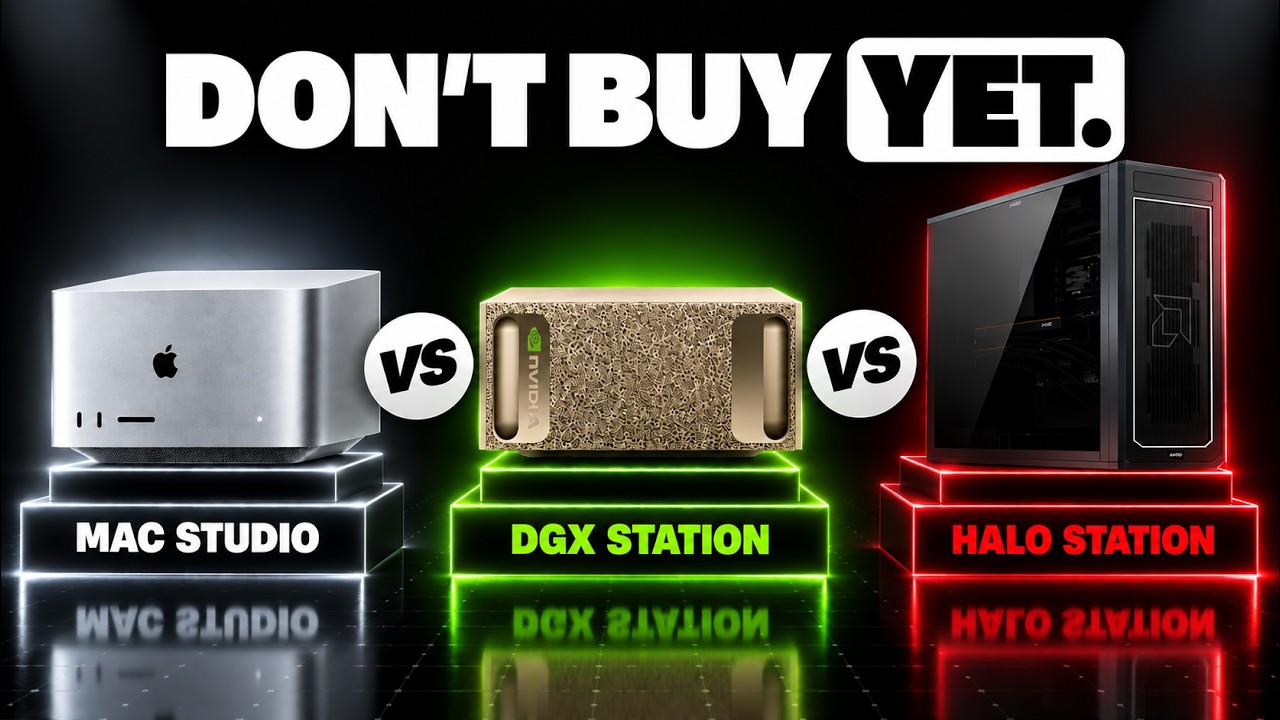
Fitting a trillion parameter model is only the entrance fee. Your local AI machine still has to answer you. We'll compare AMD, Nvidia, and Mac Studio, so you'll know which kind of machine your
work actually needs. Start with the receipt. Apple's $5,499 price is a starting price. It doesn't buy the Mac Studio with 512 GB of memory. Apple says that memory option
arrives in late October. Today, it's September 7th, 2026. AMD's Halo Station has a different catch. AMD calls it a prototype coming in 2027. Those six-figure Halo prices are
estimates. You can't treat them as an announced retail quote. And Nvidia's DGX name covers very different machines. The little Spark is not the big station. Spark has 128 GB of shared memory.
That's a different capacity class. Station advertises 748 GB. But that number hides two kinds of memory. Think of a workshop with a bench and a storeroom. Station puts 252 GB beside
the graphics processor in fast stacked memory called HBM. Another 496 sit beside the CPU. They share an address space, but reaching other shelf doesn't take the same time. Halo spreads
its fast memory across accelerator cards. Each MI350P has 144 GB. Two cards give you 288. AMD's maximum of 576 requires four. It's 96 Zen 5 CPU cores feed and coordinate
the work alongside those accelerators. Now, let's load the model. Imagine a trillion little settings, each storing something the model learned. Those are its parameters. First, choose how
precisely you store each setting. At 16 bits apiece, the weights alone occupy 2 trillion bytes, 2 terabytes in decimal units. That's before the model answers a single request. Then squeeze each
setting into 4 bits. Divide by 8 to convert bits to bytes, 500 GB before overhead. This is quantization. Fewer possible values for each setting, like rounding measurements before packing a
workshop into a van. It saves space, but you must check what the rounding damage is. Next, reserve room for the machinery doing the work. Quantization bookkeeping, temporary space, and the
operating system. A 500 GB estimate beside a 512 GB specification leaves little headroom. You need the actual model files and measured free memory before promising it will load. Finally,
you send a prompt and the model keeps notes about it, the key-value cache. Those notes save repeating earlier attention calculations. A conventional growing cache expands with longer
conversations and simultaneous conversations need space, too. The van looked full before anybody brought their luggage. A mixture-of-experts model is like a
workshop full of specialists. Each token visits only a few. That reduces computation per token, while the other experts still need somewhere to live. If they move to slower memory, fetching
them becomes part of your waiting time. So, that's the capacity. The equipment fits. What happens when you switch it on? Reading your prompt is called prefill. Producing the reply is
decoding, one new token after another. A machine can digest a document quickly and still write slowly. You need both measurements to understand the weight. During decoding, the accelerator
repeatedly reads model data. Imagine the bench restocked through a doorway. More arithmetic units help only if that doorway feeds them. Memory bandwidth measures data passing per second. It
matters especially when you run one conversation with less work to share across requests. Apple lists 1.2 terabytes per second for M5 Ultra memory. AMD lists four per MI350P.
Nvidia lists 7.1 for stations HBM. These are peak specifications for different memory arrangements, not a three-way generation speed test. Dividing them and calling the result a token speed ranking
would leave out the model and the software. Four Halo cards add up to 16 terabytes per second across their memories. But that's aggregate local bandwidth. Split
the model and its pieces have to coordinate over their connections. The road between workshops matters alongside the loading doors on their walls. Station's shared memory has that
distinction, too. Its processor side memory is rated at 396 GB per second. Well below its HBM. The fast link connects the pools. It doesn't turn the slower memory into HBM.
You can buy capacity that lets a model run and still spend much of the run waiting for data. Would you rather get your own answer sooner or finish more people's answers
in an hour? That choice changes what a fast machine means. A server can group work from several requests, called batching, so an expensive read helps more than one conversation. Total
throughput can rise even while each person gets a smaller slice. There's a useful real example. Storage Review tested a DGX station implementation with DeepSeek V4 flash. The July 31st
version. In its short prompt workload, one active request produced 149 output tokens per second. The test used 512 input tokens and the same requested output length. At
32 concurrent requests, the reported total rose to 1,766 output tokens per second. That's the whole queue combined. It's not 1,700 tokens for every person. The
review also flags best case assumptions where speculative decoding was used. This is one lab's result, not a matched Mac versus Halo shootout. The premium buys a workshop several people can use.
Jensen Huang's AI factory pitch makes more sense with a queue outside the door. For one person asking for a code fix, idle production lines are still on your bill. I would pay for busy lanes
before the largest badge, but software must drive those lanes. Nvidia ships station with a configured AI stack and CUDA libraries. If your deployment uses that ecosystem,
continuity can save engineering work. Check the model, quantization format, and processor architecture though. A familiar GPU brand doesn't guarantee your packages install unchanged. AMD's
ROCm documentation lists MI350P support and a VLLM setup. That gives you a serving path to investigate. Check your extensions and model against it, then ask the vendor to run your actual
configuration. Software support is worth more when somebody demonstrates your workload. On Apple silicon, MLX is designed for shared memory and MLX LLM supports generation and fine-tuning. CPU
and GPU can work with shared data without copies between separate pools, but a CUDA only component needs another implementation. Your software choices are part of the purchase. That leaves
the full bill beside your compatibility check. Purchase price is only the first line. Add power, cooling, and the hours spent keeping the system useful. For example,
a measured 1 kW average load running 8 hours a day for 30 days consumes 240 kW hours. Multiply that by your own electricity rate. A power supply rating is not that measurement. Then demand one
repeatable acceptance run. You pick the same model files and prompt length. Measure time to the first token, then reply rate. Add your real users and watch the slowest responses. Leave room
for their context. The machine now has a job it can pass or fail. My default is the smallest supported machine that clears that test. I would investigate Mac Studio first for a single user setup
provided the software fits. Wait for the actual high memory configuration price before buying around it. A theoretical trillion parameter load is a poor reason to spend workstation money. For a team
already serving through Nvidia stack, DGX Station is the stronger documented starting point. Large memory, an integrated platform, and published independent workload tests. Halo is the
challenger I would put through a vendor trial when it becomes available. Its capacity is promising, but a prototype and an estimated price have not earned your purchase order. The
money buys a useful rate of work with enough memory and software you can maintain. Choose the workload before the badge. If a smaller model answered your real tasks well, would you still pay
more just to say a trillion parameters were running on your desk?