Enjoying this issue?
Get tomorrow's AI & engineering digest in your inbox — hand-picked, summarized, and always spam-free.
TLDR
Nvidia's Nemotron 3 diarization model (roughly 100 million parameters, 4 GB GPU minimum) handles up to eight speakers, works with any ASR model, and can run offline or streaming. In a demo it transcribed a full hour-long podcast in 148 seconds with accurate speaker attribution, even when speakers talk over each other. It is a significant improvement over prior diarization approaches, making multi-speaker transcription practical for agent contexts.
Key points
Nemotron 3 diarization handles up to eight speakers.
The model is around 100 million parameters and requires only 4 GB GPU memory.
It works offline or streaming and is language agnostic.
In a demo, it transcribed an hour-long podcast in 148 seconds.
It can be used as a drop-in replacement for Nvidia's prior Sort Former diarization model.
Tools mentioned
Techniques
- diarization (speaker attribution)
- speech recognition (ASR)
Stop scrolling. Start reading smarter.
Receive the day's most important AI & engineering updates in one concise email. No spam.
Transcript (captions)
Okay, so there are a lot of good speech recognition models out there nowadays. We've got Whisper, we've got Parakeet, we've got Canary, and if all you need is a simple transcript of what was said,
then it's tempting to think that that's kind of a solved problem at this point. But the big challenge is often if you're trying to get context for an LLM or a particular app that you're trying to
build, the transcript on its own isn't enough. You're often going to want something like timestamps to know when something was said. But often even more importantly than that, you want to know
who actually said it. Meaning, if you're creating a transcript of a podcast where four people are debating each other, you need to know who said what, who took which side, etc. Same is true if you're
trying to do something like meeting notes. You need to know who agreed on what action. And especially now as we're building agents to do a lot of this stuff, it's so important to be able to
pull quotes and assign them to the right person rather than just have a word for word transcript of everything that was said by everyone on the same call as if it was just spoken by one person. Now,
there've always been ways to do this, right? I've shown in some of my videos back with Whisper doing this with some of the open- source tools that were around then, but it's always been a
cat-and- mouse game of just how accurate can you get it and then you've got the challenge of how do you actually deal with multiple models that are made by different providers etc. So, this brings
me to what Nvidia has just released and this is a new model aimed squarely at this problem. So, this is Neatron 3 diorization. It's an open weights model. It's under a license that allows for
commercial use. You can certainly do most the things you want to do with this kind of license. And the cool thing here is that this is only around about 100 million parameters. So, it'll run on a
GPU with just 4 gigs of memory. Now, on top of that, when we start talking about the accuracy here, this can handle up to eight speakers. So, most of the models in the past sort of max out at like
three or four speakers. And not only can it handle eight speakers when they're speaking nice and cleanly, it even does a pretty good job when people are talking over each other. Now, this is
also designed to sit alongside whatever speech recognition model you're already using. So, if you got a particular favorite like parakeet or something like that, you're able then to basically use
this. So, later on, I'm going to show you a demo where we take a raw podcast recording and turn it into a transcript where every line is attributed to the person that spoke. But first, let me go
through a little bit of context about where this model comes from. So, Nvidia is launching this as part of their Neotron speech models. And on the channel, I've talked about the Neotron
LLMs, etc. But I think often most people don't realize that there are a whole bunch of speech models that go along with this as well. So, on the recognition side, you've got Parakeet,
Canary, and Neotron ASR, which between them cover 43 languages for both streaming and for batch transcription. They've also got a TTS model in there called Magpie, which is multilingual and
does voice to customization, etc. Then they've also got some models that do translation and even full duplex speechtoech stuff like Personal Plex. And up until recently, their diorization
option was called Sort Former, which could do up to four speakers. And for a while, that's actually been pretty popular. And in the many ways, you can think of this new model as just a
drop-in replacement for that, which is just a lot better. And we know that people have been using these in production because that old sort model got over 300,000 downloads in August
alone. So while Nvidia hasn't said this directly, it seems to me what they're doing is they're going through and systematically improving these models as they're building out a full set of
Neotron speech models. And that makes total sense because if you look at the demand for voice, it's just getting more and more both for single user interactions with agents, but also then
for agents going and getting multimodal things like YouTube videos, etc. to extract information for context when they're doing research, when they're doing learning, etc. All right. So, if
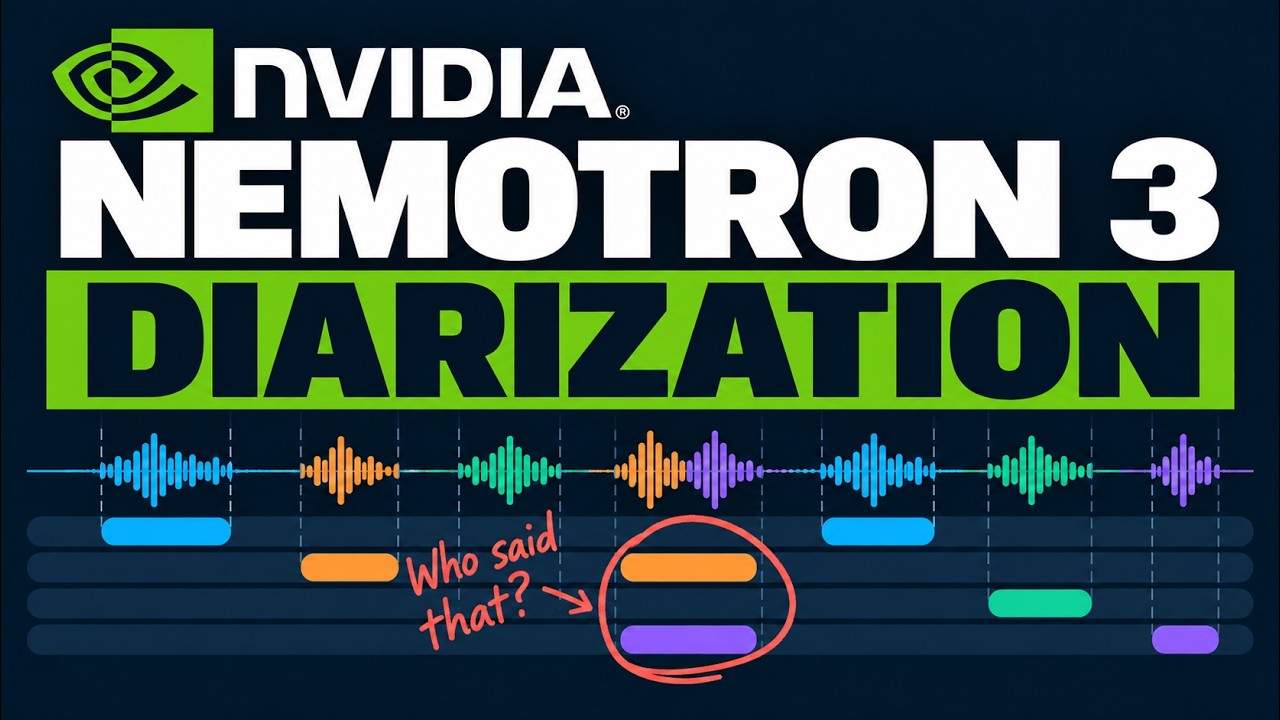
you're new to this, what actually is diorization? The simplest way to put this is speech recognition tells you what has been said, but diorization tells you who said it. So when we put
them together, we get what's called a speaker transcript. And I think instinctively everyone knows this is really important. If you're transcribing a meeting and someone asks a question
and then some people answer yes, some people answer no, you kind of want your agent to know who is going to follow through, who's not going to be doing something. And all those things are
super important for the agent to determine the context of what actions it should take going forward. Now, does it automatically know the names of everyone who spoke? No. It's going to basically
say speaker 1, speaker 2, speaker 3, speaker 7, etc. as it goes through. But it's not that difficult for you to basically have some code swap that out. Once you tell the model who is speaking,
you can actually turn your transcript into having real names. Now, one of the biggest challenges with this has always been that people talk over each other, right? They often, even if they're not
trying to deliberately interrupt each other, when somebody asks a question on a meeting call, often two or three people will answer at once. And the challenge there with older diorization
systems is that they would just get confused. They weren't very good at being able to tell one voice from another voice, especially when they were crossing over, etc. And let me just say
that I don't think any model is going to be perfect ever at this. Even for humans, this can be a hard task. But the way that these models get scored is with something called diorization error rate
or deer. And it's basically adding up three kinds of mistakes. Speech that the model missed, things that it thought were speech that weren't, and times that it gave the speech to the wrong person.
So obviously a lower score is better here. And you can see that this latest model from Nvidia is beating out not only the competition but beating out their own previous model by quite a lot.
Another thing to understand here is the whole idea of streaming versus offline. In offline mode, the model can look at the whole recording including what comes later on. Whereas in streaming mode, it
has to make its decisions as the audio arrives. So for podcasts that you've already got recorded, etc. You always want to use offline for that kind of thing. for any sort of live captions or
a voice agent, you have to use streaming. All right. So, what actually is new with Neotron 3 diorization? So, it's about 100 million parameters, not counting the ASR. The minimum GPU for
this is around 4 gigs. So, it can actually run on a lot of small GPUs and also it should be able to run pretty well on things like a laptop RTX card. I mentioned already that it goes out to
eight speakers. The other thing too is it's language agnostic and that's going to work in both the streaming and offline modes. So I think the best thing is let's just jump in and do a demo and
see how it actually works and comes together. All right, so jumping into the demo, let me just show you a little bit about how this is set up. So first off, let me thank Nvidia for sponsoring the
compute here. So I'm using a DGX Spark to actually run the three voice models on here. So let me just walk through the diagram of how this is set up. So what you're seeing here is a Nex.js app. This
is running locally on my Mac. And then basically it's going to then call a backend over tail scale to the DGX spark. And you can see basically on there I've got a Docker container with
Nvidia Nemo in there. So, Nvidia Nemo is serving both the diorization model which we're talking about, but also the Parakeet ASR model and the Neotron 3.5 multilingual ASR model in there. And to
basically use those, I've got a fast API app set up here. And this is a simple way that you can do this kind of thing. Now, if I was going to do this at scale, I might go for something like Dynamo or
Triton to actually serve this. But this is working really well for everything that I want in here. So, if we come in here to the app, you can see I can basically just take their demo in here.
I can pick which ASR model I want to actually do it with. So, I'm going to do it with the Parakeet one cuz this tends to be better for sort of multisspeaker sort of stuff. I can start transcribing
it. And you can see that literally in sort of 3 4 seconds, it's gone through and transcribed this minute and 30 plus minutes of audio in here. Now, because I was playing around with this before and
setting some of the names, it's actually remembered the names of this person in here. Let's go through and take a listen to this and see what happens when multiple speakers speak at the same
time. >> To celebrate the release of Neotron 3 diorization, we invited seven more open texttospech voices to the party. I'm Chris, the Neotron voice from Nvidia.
>> Hi everybody. Thanks for having me. I'm Jane, a pocket voice from QIA. >> Nice to meet you, Chris and Jen. I'm Serena the queen three voice. >> Hey, I'm Adam from Kakoro. Just 82
million parameters and I still made the guest list. Hello. Hello. Chatterbox here from Resemble AI. I brought the expressive energy. >> Hi, I'm John, a de voice from Nari Labs.
Great crowd we've got here already. >> What's up everyone? I'm the Maya one voice from Maya research. >> Okay, so now we have a full house of eight synthetic open voices. Let's put
Nimatron 3 diorization to the test. Okay, so the new diorization model can tag each of our voices as it transcribes. But can it do that while we all speak together? Let's find out.
>> Even both of us, even while we speak over each other, >> frame by frame, it labels who spoke when. >> Okay, so as you can see in here, it's
doing a good job at being able to transcribe each of these. If we come down and look at this, we can see each voice has been transcribed. Yeah, I think my UI is a little bit behind on
this, but you can certainly get a sense of how this is actually put together. And actually, if we zoom in a bit, >> voice from QI. >> Nice to meet you, Chris and Jen. I'm
Serena, the Queen 3 voice. >> And you can see very quickly that we can basically put something together that transcribes each of these. And if we wanted to come in here and then start
putting in their names, it will go through and actually rename all of them for us. Now if you want to see what actually is coming back from the actual model, you can see here is the raw JSON
that's coming back from the model. So we can see okay what was actually being used in here. We can see our different speakers being flagged etc. And then this software is basically rewriting
speaker 3 to be Adam etc. Going through this. The cool thing with doing something like this is very quickly we can get stats out of how long did each person speak on there? How many words
did they speak? How many turns did they have? And that could be really good if we wanted to actually put in something a lot longer in here. Okay. And the cool thing here is that we can do long files.
So I've basically put in a full podcast episode of the All-In podcast where they interviewed Jensen Huang. And you can see it's basically gone through we've got out I've named the actual speakers
in here. So we've got the speakers going through there. And then we've got now a full transcript of what each of them said. And the cool thing here is we can look at the stats. We can see how much
talk time each of them had. We can see that sure enough, obviously Jensen was the guest here. So he was the one that was speaking the most. And all of that was done in 148 seconds. So that's about
2 and 1/2 minutes for a file that was over an hour long in here. So, it allows us to basically go through and you can see now we can basically just go in and either read the transcript. I can export
it as a text file here. I can export it as an SRT here. And the cool thing here is that if I did want to do something that was going to be multilingual or something, I can just swap over the
model and use this model as opposed to the parakeet model in here. So, you can see with this one, we've got a whole bunch of different languages supported. And if you remember when I made a video
about this, you can actually come in and fine-tune this model to do very well on other languages that they call adaption ready in here. Now, the other thing that I haven't really set this app up to do,
which the model can do, is you can also do streaming responses as well. And of course, your accuracy will probably go down a little bit with that, but you still should be able to get pretty good
results there. So, if you are interested in doing anything with voice transcriptions and you want to be able to have diorization, etc. in there. This is a really good way that you can set
this up, do all your transcriptions in batches, etc., and most importantly, be able to do all of this locally. So, let me know in the comments if you got any questions about this. And I think it's
going to be really cool to see what Nvidia does next with these speech models. Like I said, from what I'm seeing, they're constantly iterating on making these better and providing
different kinds of models for different kinds of use cases. Anyway, as always, if you found the video useful, please click like and subscribe, and I will talk to you in the next video.