Enjoying this issue?
Get tomorrow's AI & engineering digest in your inbox — hand-picked, summarized, and always spam-free.
TLDR
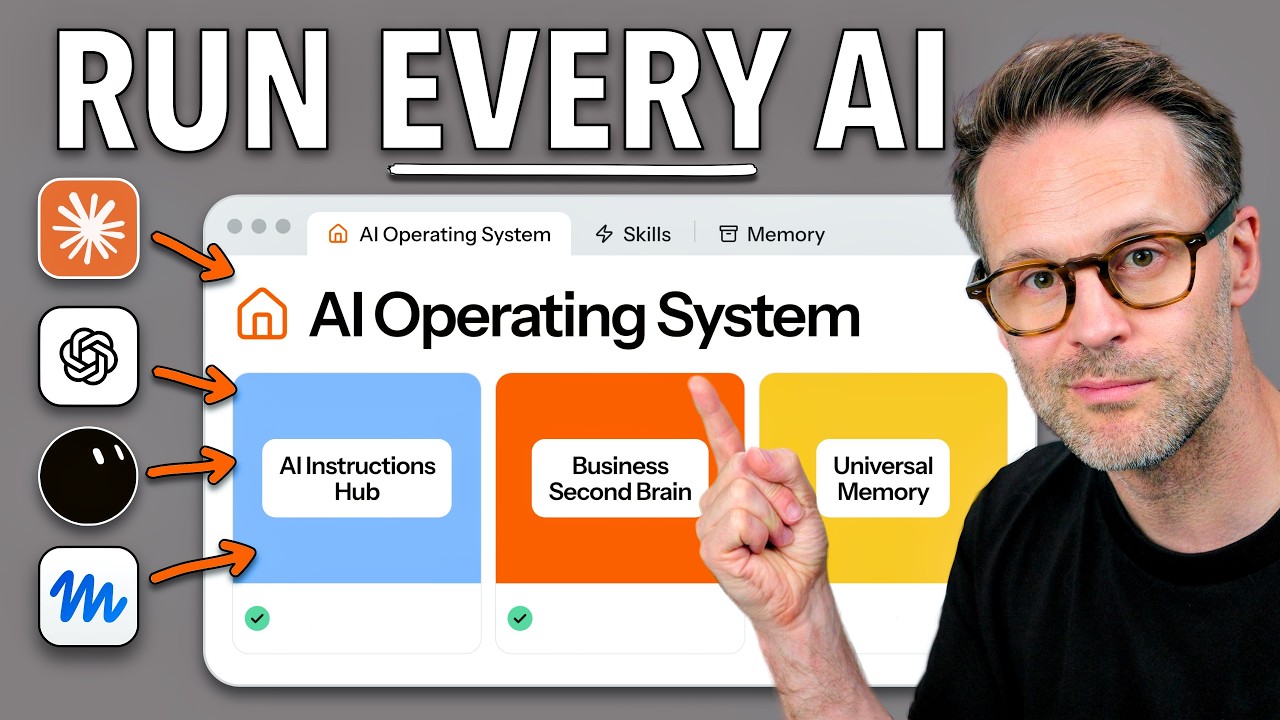
The Agentic Business OS in Notion consolidates AI context, memories, skills, and instructions into a single workspace, making any LLM interchangeable without losing personalization. The key insight is that an AI context map and a durable memories database let you switch between Claude, ChatGPT, or other providers while keeping your system's knowledge and behavior consistent. This approach prioritizes longevity over provider loyalty.
Key points
The system uses an AI context map to direct any LLM to the right databases.
A single durable memories database stores facts imported from multiple AI providers.
Shared skills in Notion can be downloaded for use with local agents like Claude Code.
Notion's notetaker and custom agents automate meeting follow-ups and task creation.
The system is designed to work with any LLM via connectors and a context map.
Tools mentioned
Techniques
- AI context map
- durable memories database
- shared skills library
- custom agent for meeting follow-up
- connector-based integration
Stop scrolling. Start reading smarter.
Receive the day's most important AI & engineering updates in one concise email. No spam.
Transcript (captions)
With AI and systems for work changing so fast right now, it's hard to keep up. And so, we need a solution to our systems that will last. This is my solution. It's the Agentic [music]
Business OS in Notion. In this video, I'm going to give you a tour of my Notion setup, how you can use this instruction system from [music] any LLM, and how you can consolidate all of your
context and AI memories into one place so that you're [music] not tied to a single provider. Not only that, I'm going to give you the five core principles I think everyone should
[music] follow, whether it's in this system or any other that makes your use of AI sustainable, [music] scalable, and well, not at the whim of whichever service is the best. Here is
how to get your AI setup nailed. So I think notion over the last year has completely changed what it's great for and now it feels like the place that yes, we should organize our information
not only for ourselves as we always did with dashboards and databases but also for us to make the most of AI when we need it and avoid it when we don't. And a context layer like a second brain like
this has to be designed to work for both us and our AI systems. So, in this video, I'm going to show you how I've built a AI context map that allows any AI plugged into this system to find what
it needs and deposit things. A task management system and project and client manager that can also interface with Claude or Codeex or Muse or Grockbot, whatever you use. But most importantly,
an entire business system for all of your information that is connected to this, a collaborative AI hub. We've built a system that we believe can work for multiple users in a business,
individuals that just want the ultimate long-term solution to store all of your AI's memories, skills, instructions, and specialist knowledge bases that create specialist agents that can help you with
your bespoke needs in one place. And the reason for this is that well, we don't know what's going to be best value, top of the field, or the best option for us into the future. And so using notion
like this, I think is the single greatest unlock this year you can use to make sure that your systems have longevity and you can scale a business that requires less of your energy,
greater impact. And of course, if you want to download this, it's now available for public download over at bettercreating.com. I'll put the link below. But you should also know, well,
we've launched a community. The Agentic Business community is now live. And so if you want the template with a membership, we'll also give you access to regular live sessions with me,
community dialogue, tons of extra resources, and this the Agentic Business Community MCP. This is a full guide library that you can plug into Claude and plug into notion any LLM and query.
It not only gives you a full guided set of instructions on our co-work OS and business OS templates, but also the wider Cassa framework and strategies and processes of adopting AI in your work
intentionally. Well, I don't think that templates are the answer alone. It's like me giving you a manual to fly an aeroplane and expecting you to fly it. You're going to need a co-pilot and a
trainer to help you get there. And that's what this membership's about. as tech and systems change so rapidly. Being able to have a dialogue together and help each other in a community and
have real human connection, I think is the most essential thing we can be doing right now. So, I'm really excited to offer this. I hope you check it out and I'll see you in circle in a bit.
So, this is how I now use Notion [music] with AI. First of all, what we've created here is a set of dashboards and databases. It's very similar to my old life OS and it's very similar to my
notion agent OS, but what we've done is combine those to be a single workspace. There are team dashboards, tasks, projects, time tracking, clients, KPIs and goals, content and marketing tools,
and knowledge hubs. Those all link to a set of dashboards which allow you to view it or you as your team to view it easily. So, I can still go in and use this as I normally would. create a new
task, drop it in and link it to the related meeting or goal or whatever, add notes as you normally might in notion. But I can also speak to notion agent using the in-built instructions that
relate to the workspace. And that's all managed in two places. The shared AI instructions, skills, and guide files, which we'll talk about in a moment, and then this system. So I can simply create
a new team member. It will add the user who clicked it. You can set it all up and build a new dashboard allowing me to have a single view filtered by the individual that's using it for tasks,
meetings, everything else, and give them generate them a set of templated agent instructions, a place to hold all of your durable memories and facts across all of your AI systems. In fact, we've
built a skill in here that will help you draw everything in from your other setups and make sure they regularly update. Pretty cool. personal voice profiles and all the rest. And whilst
this seems complex, what I love about it is it can all be operated just through dialogue because in the collaborative hub, we then also have these specialist modes. And what I'm so proud about here
is whilst this seems like a huge template, it kind of is now a pre-engineered system that can help you use it. We've built mode zero, an onboarding agent that on boards you to
the setup, a guide and support agent that use that MCP or the local uh guidance files in here if you don't get the full membership. It's fantastic. So, if I go into the chat here to show you
what this might look like and I'm going to ask Notion AI the following. Tell me about how your AI system works in relationship to all of the databases. Now, what you'll see here is the process
the agent will take. It reads the map, its rules, my identity, and then how to work with me. Now, we like this because it means that every query you make is in each chat is then given full context of
who you are, where you are, and what you're doing. And this just means that AI is so much more effective. So whilst the initial context spend may be higher, the results you're going to get are
customized to your business in this setup. Let's go back here and see what it's told us. We've got a shared set of rules and context about who the business is and how it should work with me.
Specialist modes change its role for a conversation, meaning that it can work as a specialist. The shared skills library manages repeatable jobs and any of the members of the system can use it.
And the specialist knowledge bases offer focused reference material for specialist agents. And then we've got the wiki for companywide policies, master databases where everything is
recorded, and then personal databases where um all of your durable memory facts live. Pretty cool. And hey, what if you wanted to use this using Claude? If we jump [music] over to Claude, let's
say we're in co-work and I'm set up using my co-work system starred to make sure it always runs from that folder. Maybe you don't want to work like that. Your instructions could be please can
you help me using the instruction system within it to answer talk to me about what you know about me and what's currently happening. And you can see right here Claude is
doing the same process. It's running the boot sequence reading the foundational identity and memory pages and then it's going to go away and help me. And so if you want to, you can have this single
location for managing things. And so I can plug Grockbot, I can plug Muse, I can plug anything into this via a notion connector and business OS becomes my single source of truth for whatever AI
system I'm using. So it's gone to default mode. It knows who I am. It has this is obviously a demo workspace, so it's just showing those things. The memory database is empty because we're
not using it. Both identity pages. Great. This is all to be understood cuz it's a demo workspace, but you you can use it. It's incredible. So that's the setup. Now, let me show you the five
principles I think everyone should follow for a robust, scalable, and sustainable AI system like [music] this. Concept number one, build an AI context map. This is my AI context map, and all
it is is a single location which explains where information can be found and where it should be sent. If you build this single piece of information and get your AI to read it when it works
with you, whether that's connectors or specific databases in a system that's consolidated like this, think of it like a super highway. It means it can go directly to the right database rather
than search everything and try to find it. Building this also means that when you move, you can just give any new system this map and use it. Fantastic. Principle number two, make sure you have
a single location for memories for your AI. I call these durable memories. And in my personal hub or anyone's personal hub in business OS, there is this the durable memories and facts database.
Here I have a full set of memories. And these were all imported into this single database. Well, from all of my other AI providers. I have actually imported materials from Claude, ChatgPT, and
Grockbot. and they all sit within this setup. What we've created is a master memory skill that's in this system. And I just did this. I went to Claude and said, "I'm consolidating everything.
Create me a list of every single memory that you have across projects and your memories. It's built it all together. It's worked through the process and at the other end, it's then delivered it
into the database. You can do the same with Grockbot. You can do the same with codeex. You can export it all and then all we would need to do if you wanted to is just create a little scheduled task
in here that would once a week consolidate any new memories into that database and you've got it for life. I think it's great practice. Let me know what you think in the comments. Are you
going to do the same? And included in this point is well make sure you create a personal voice profile and personal identity file so that when your AI helps you write it actually understands who
you are and how you want to sound. We've built in a full interview process that the agent takes you through and helps you on board to this system. Super cool. Principle number three is to [music]
make your skills usable everywhere and sharable if you have a team. So in the collaborative AI hub, we have a shared skills database. And for example, I've got this militarystyle clear
communication skill. If we open this up, I can enable it for myself and it means that my agent will be able to use it. I can make sure that the skill is shown in chat or in a page and it can be used by
connected agents. Even better in notion with a skills database, you can download skills for local agents. So if I was to download this for clawed code, it would load it into clawed code. Look at that.
So this means that by syncing this with your system via an API or just manually like this, you have this single place to keep your skills. And using this system, it also means that all of the workspace
users can also benefit from the skills. If you go into like settings, notion AI, you can open your skills library and see everything that is enabled for you right here. Pretty cool. And if you want to
use skills with connected agents, you can now copy this prompt and use the skills library you have everywhere. Amazing principle number four is to have a
single source of truth for all of your meetings and use automated agent work to draw out tasks and information. So in our meeting note system, we have the new notion notetaker integrated into it. So
if I click new meeting, it's using this transcription system and it will work within it. I can relate it to projects, to clients, any decisions that are made. loads of stuff in here, right? And it
means that it's all connected up. You're creating this map. I can view it really clearly as a user. It can tell the next meeting that's about to come up. And it's so powerful. And as a result of
that, is then possible for you to create something like a custom agent and build a meeting follow-up agent. So, if we look at the settings of this custom agent in here, we also now have the
option for this agent to see when a meeting is completed and the transcript's complete. and it can select actionable follow-ups and add it into the right place. And the right place, of
course, is in the task list down here. By running your AI transcripts in the same place you run your AI instructions and context, you can always keep the information accurate. Principle number
five is [music] embrace connectors. Because if we go into settings and connections, you can connect everything into your agent. And by adding these into the context map, your agent will
always know where to find things. But my favorite in these connections is this, our very own guides MCP. This allows me to use the system, give it to agents, so it can read it too for your team members
and access all of the information from our growing resource kit. This means you essentially have a coach and a system guide in your pocket and you can speak to us as well. So, another little
reminder to consider using custom MCPs to connect to information. So, if you want access to this guide, me live on video calls and a wider community alongside resources, onboarding,
discounted access to one-on-one sessions and templates. Make sure you go and check out the Agentic Business community. We're linking it below and it's just opened. You can get your
access key and access this MCP and have a full set of guides as you need them. Let me know what you make of this approach. What's your LLM or AI of choice right now? And how are you
consolidating and getting your information organized and in one place? It would be great to hear from you. And well, you should probably go and watch this video next if you want to build
yourself a daily briefing personal assistant that checks everything in there and briefs you each morning. See you there. Bye.