Enjoying this issue?
Get tomorrow's AI & engineering digest in your inbox — hand-picked, summarized, and always spam-free.
TLDR
Strata local AI runs on a single 12GB 3060 and works surprisingly well, averaging about 49 tokens/sec decode once speculative decoding kicks in, with the vision stack and Hermes agent both operational. The real limits are the ~64K context window and no effective sub-agents without a second GPU or more RAM, a reasonable tradeoff for a $769–825 build.
Key points
Strata runs on a single 12GB 3060 with 64GB RAM, averaging 49.2 tokens/sec decode.
The vision stack correctly transcribed a handwritten note, reading struck-through text accurately.
Hermes agent connects via a custom endpoint on port 9877, but context is capped at 64K.
Sub-agents require batch 2 or 4, needing more VRAM or RAM than this single-GPU build has.
A single-GPU build costs about $769 with the 2695 V4 CPU or $825 with the 2696 V4.
PCIe traffic reached about 56.2% while sustaining good performance, impressing the presenter.
Tools mentioned
Techniques
- Speculative decoding
- Vision stack for image transcription
- Custom model endpoint configuration
- Context window tuning at 64K
- Batch size adjustment for sub-agent support
Stop scrolling. Start reading smarter.
Receive the day's most important AI & engineering updates in one concise email. No spam.
Transcript (captions)
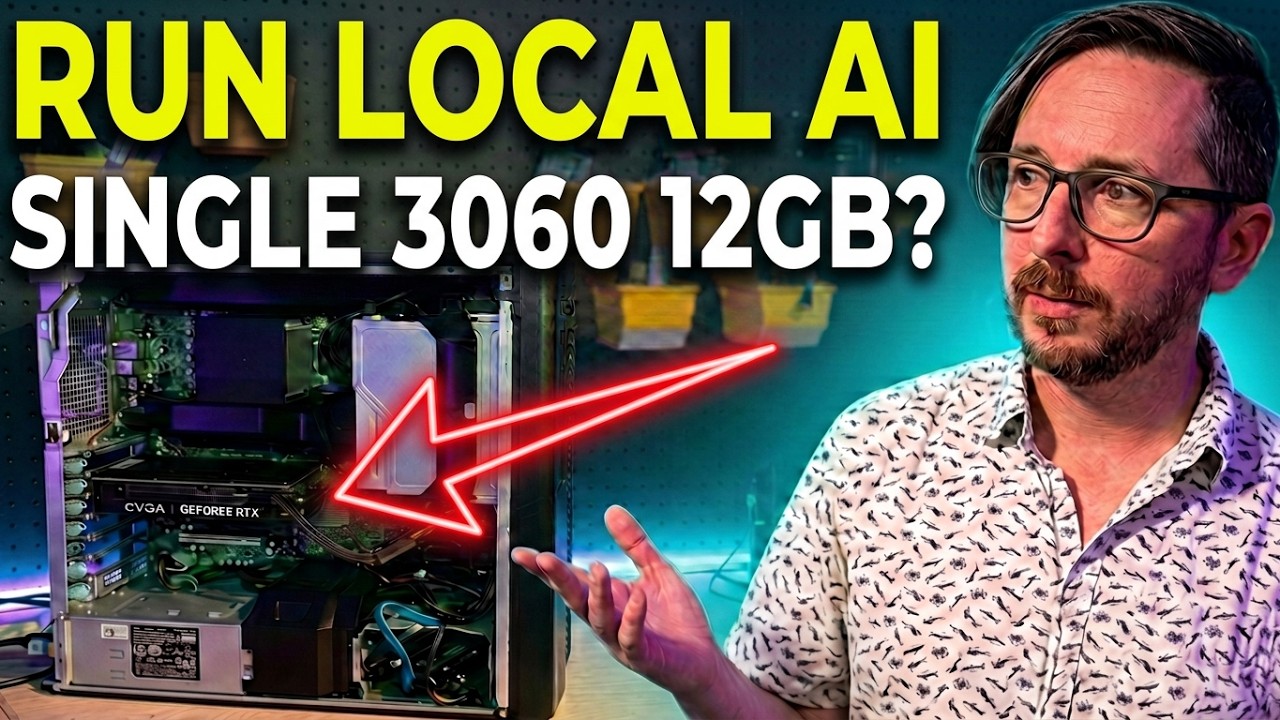
A lot of people asked me after the last video on the Strata Local AI engine if you can run just one 3060 12 GB instead of two. I don't know the answer to that. Let's find out.
So, I've got great news. It is up and running here. You can see that we've got our 3060 and it really, you know, is not a lot of experts that it's able to store in the RAM. We do have the vision stack
enabled. We're going to test this out. Of course, you can see there 12 gigabytes is all we've got. So, the first thing that we're going to do is have it go to and check out the E5 V4
family page and also the Strata repo. And it's going to hopefully do a good review on these pages and the repo and let me know what it thinks the performance impact on Strata would be
for a difference of an E52695 V4 versus an E52696 V4. The 2696 V4 is what we're using in this machine right now. The 2695 is an alternative part that has lower core
count, but I'll definitely be talking about that a little bit more as we go through and look at what the performance looks like. Its decode speed right now is about 33 tokens a second. The prefill
was not very big on it. I expect it to cap out maybe about 850. GPU running at 69. It is working. That's kind of the cool part. I mean, we've got 64 GB of RAM, a 12 GB GPU, and it is working.
That's uh that's really cool stuff. It is set to X high for reasoning and it does have the vision stack enabled. We'll test that out also here in just a moment.
And while it's running, you can expect with one GPU to be hitting right around 350 at peak as far as the wattage. 10,000 tokens in and we're still running mid40s for the tokens per second. Just
crossing 16,000 tokens and you can see that it's speeding up here. Speculative decoding is kicking in. Yeah, when it was doing really similar stuff and just making one change here and there, that's
where you're really going to see that it was able to hit that speculative decode kind of stride. Okay, after 617 seconds of thinking, it looks like it burned quite a few tokens also. So, if we look
down here, output was 32K of tokens. That was a lot. And the average was 49.2, which is pretty high. The VRAM hit rate was I mean it was good but the amount of PCIe traffic still performing
this well was just kind of crazy at about 56.2%. Like insanely impressed just very very much impressed with everything that's going on with Stratam. So here is the
key differences that we've got here for this outlined sustained allcore max. Whether or not that has your BIOS is able to do that is something you would want to factor in. the 2696 V4 uh really
kind of shines if you're able to do that. By the way, uh do not expect a big userfacing difference either way. I don't think you would actually expect to see a big difference in the tokens per
second that you're able to generate between the two. So, I did that. It did decently on it. Next up, I'm going to toss it at a task that is a little more delicious. And I am going to ask it to
transcribe a note here. We'll come over here and check the prefill on this. And having a longunning prefill, which we'll get to a longunning prefill, I I
expect we will be able to get that up into the 800s. As far as the decode on it, though, this should fly quite a bit faster. And it's already done. Banana chocolate chip cake. Oh, it's so good.
Also, need to try to get my wife to make some of this later. But yeah, it looks like it did a good job. You can kind of see the handwriting here. Not super legible, but 350 cross 325 for 30 to 35
minutes. Let's see if it caught that little one there. 350 struck through 325 for 30 to 35 minutes. So, yeah. Next up, people had asked, can you run Hermes agent against
this? That was a very popular question. Let me show you how to set that up here. So from our CLI or 2E or whether you're in the desktop or not, you're going to go ahead and set the custom model
endpoint here. So let me show you how to connect this if you are uh wanting to get up and running here. So you're going to set up a custom endpoint and that'll be a internal URL, not HTTPS secured
most likely. So, HTTP and then you're going to put the port number that you are running on. And in our instance, that's 9877 and then for slashv1.
It'll ask you if you have an API key. You can, you cannot in an internal network. I would not deploy this out there on the web of course like your uh security on it. Who knows? Uh but
internally in your own network probably okay to do. Uh definitely consider Proxmox. There's a reason I use Proxmox. Limited blast radius all that stuff. Yada yada yada. I said it a many times
on this channel. Uh API mode. It'll autodetect the name. So you can just hit enter there. You can leave the context window detection. And one of the caveats here, I've got the context window set to
64K. So I think you're going to need to do that. Maybe you could squeak by a little bit more. You're not going to be able to run sub agents because batch is set to essentially one by default. You
would need to set batch two or batch four without two GPUs and more RAM or something like that here. Really not going to be able to effectively do that on this machine with this context window
size. So if you did have 128 GB of DDR4, you would be able to run sub agents and stuff like that. Of course, the performance impact can't tell you what that would be. If you had two GPUs, I
think you would be able to at 64. Really, hitting 128K is a little bit better. You're going to run into some really long compactions because this is not super fast. So, keep that in mind if
you were going to do that. And I'm just going to call this a Strata 3060. And I would definitely recommend changing the reasoning from extra high to medium once you're in a harness here.
So, we'll run Hermes. Okay, so we see that it is showing the appropriate provider down there. So that should be speaking over the network to it. So this is a webct viewer that I
built with Quinn 3.827B and we're going to look at the insides of digital spaceport today. People are like what are you doing with your time? What are you doing? What are you
developing? Radial CT viewer. But this is what I'm doing. Uh 800 and something tokens per second we saw there. So definitely able to get things running along pretty quickly. So I mean so far
everything's working really good like Hermes agent vision recognition now we're deploying a code base everything is just operating as it should nominally as they would say this
adequately frames it made with love by Quinn 3.827B with me along for the ride. Yeah I just was riding shotgun really on it. So, radial CT viewer. This is also kind of,
you know, wild that it can do as good as it does. Has actually some interesting controls. So, you can get different levels of detail out of it. You see some of my riblets and stuff there. Creepy,
right? Let's go back to soft tissue view. Pretty cool, though. Um, very There's my kidneys. Look, if I sell one of those, which one should I sell? If I sell one of these, I can get a RTX 6000.
Maybe this one over here I'll keep. Looks like a keeper. Was able to pull down the repo, handle it, get it deployed. Great. Definitely not medical advice, not medical anything. And so you
can see 170. That's with a 480 GB SSD. The E5620 V3 could probably run. It does have 8 GB of DDR4 on that. I'm going to actually suggest that you have to get the 64 GB. And we want a V4 processor
and we want a beefier number of core count. So pretty much just the bare bones on that. and a 500ish GB SSD. Checking out 64 GB. That is what we've got here. $250 for that. Now, you've got
a couple options when it comes to the CPUs. The CPU we're running in it is the 2696 V4. It was not part of the standard skew lineup. So, when you go to Intel's ARC page for it, it's not going to
mention it there. 2695. A step down from that as far as core count for sure, but not huge. like 22 cores to 18 cores. About $75 shipped for one of those. The 3060s right now checking in at about
$325. Yuch. Those prices are going up. And of course, you can keep track of all the prices of GPUs you're interested in on digital spaceport.com where we have our
local AI GPU price tracking and performance updated daily multiple times. Send your agent over there, tell it what price you're after, can make things pretty easy for you. And $4.99 is
how much one of these little uh six pin to eight pin connectors is. And you only need one of them if you got one GPU. So what does the total come to? If you are looking at this and you look at what we
are running here right now, $825 for a single setup with 64 GB of RAM and the alternative CPU option here, the 2695 V4. Fewer cores but much lower price at around $20. All of these, of course,
available on eBay. And that brings the price down to $769. If you wanted to go with two 3060s, yes, I have caused a little bit of price inflation. Possibly, you're looking
right around $1,100. So, that is your rundown for this setup and what kind of performance you can get. So, can you run a single 30 60 12 GB off of it and it work? Yes. Can you actually get decent
performance? Surprisingly, can you run her agent against it? You sure can with caveats and those caveats being around the context window. Your compaction is going to take a long time and the
availability of number of sub aents if you're not running batch two or four. So, you definitely would want a little bit more RAM VRAM if you wanted to run batch 2 to be able to give one agent a
sub aent capability. That way, you're not just queuing everything in line. At that point, you're not really using sub agents at all. So, I hope you had fun. Do check out uh the video that we just
released on this and be sure to hit like and subscribe while you're down below. All of this, of course, linked in the description.